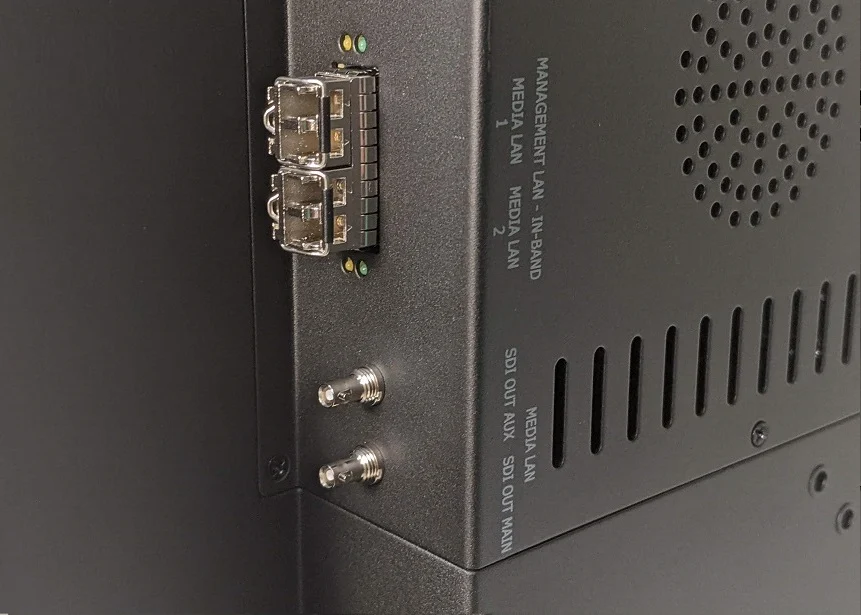
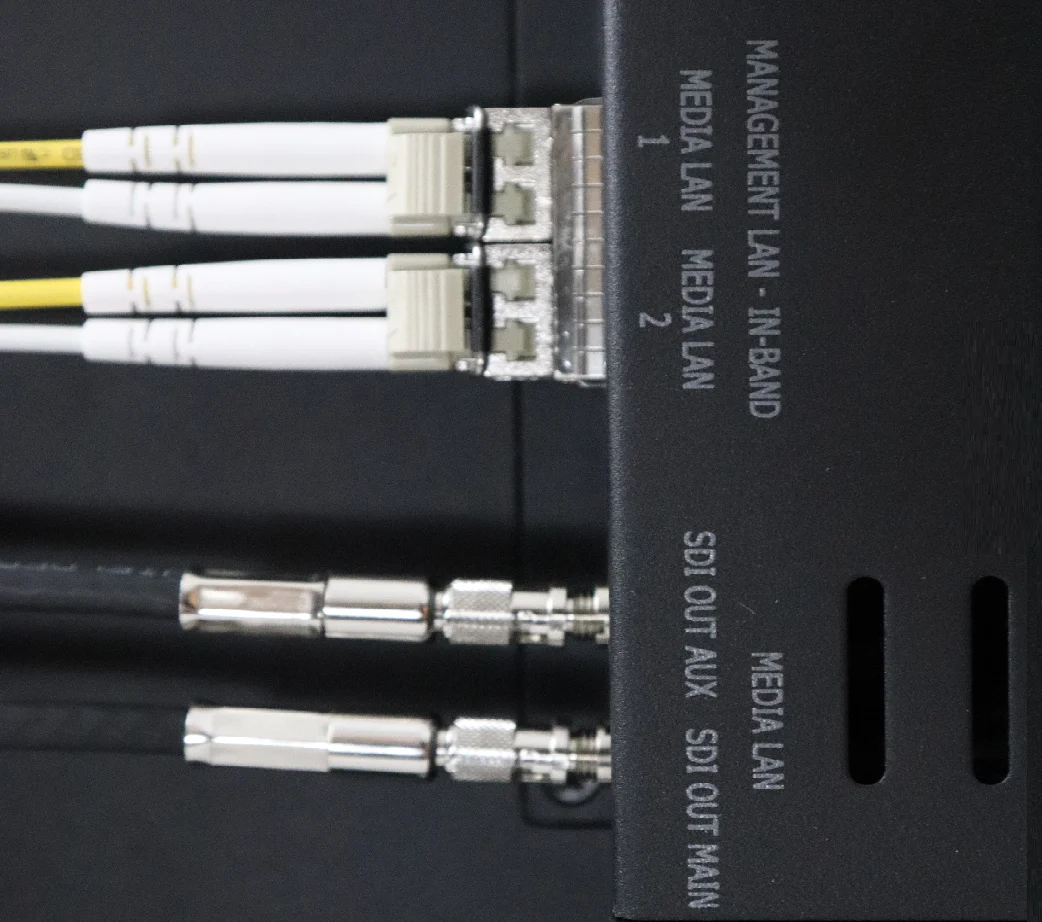
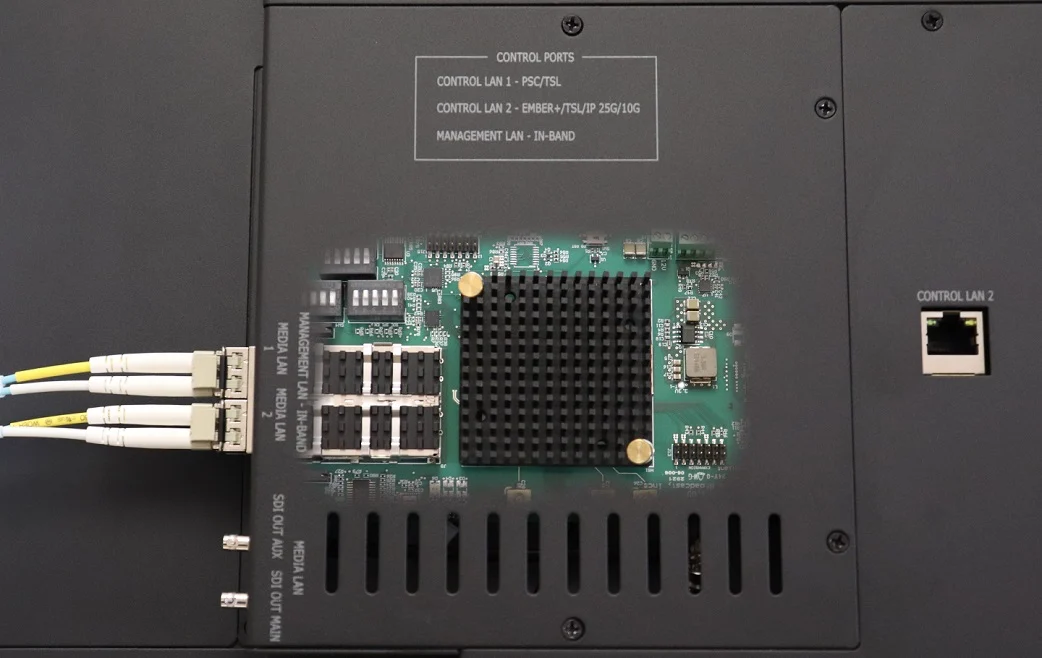
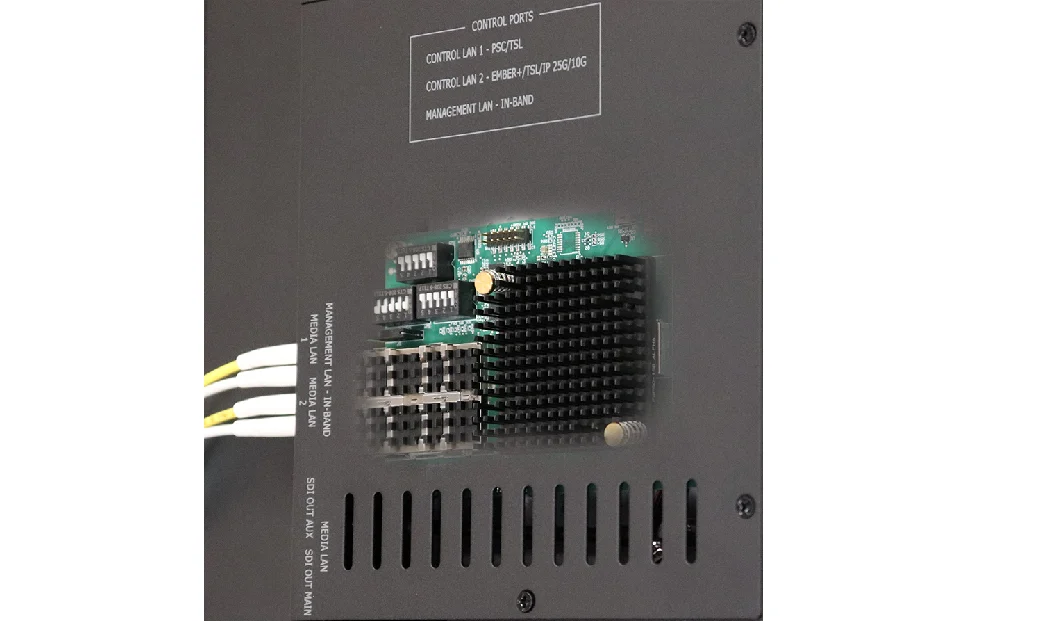
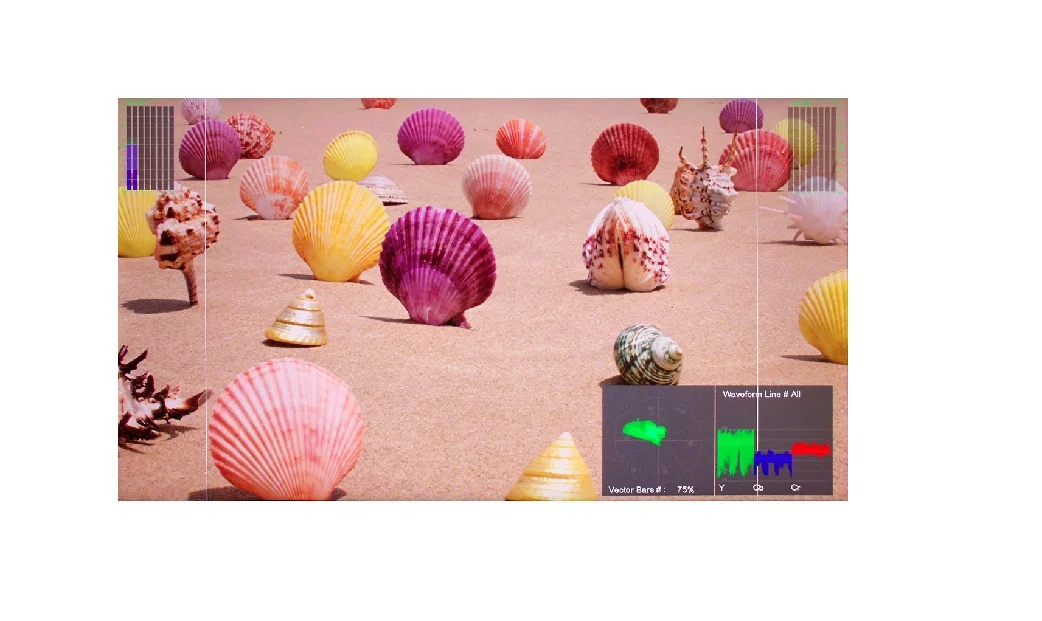
Features
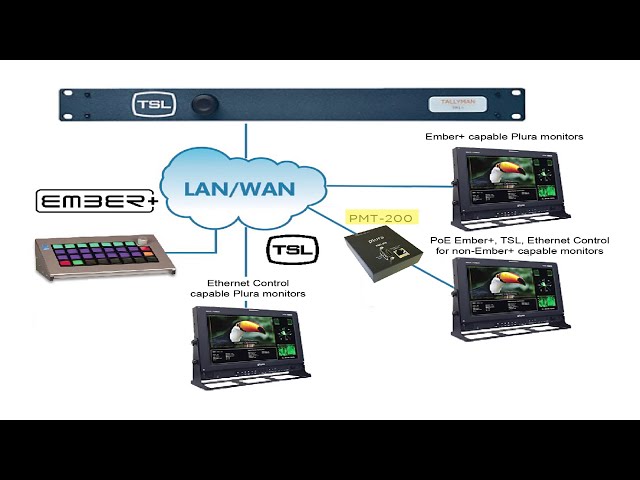
Various Plura offerings from senders and receivers as illustrated in this diagram
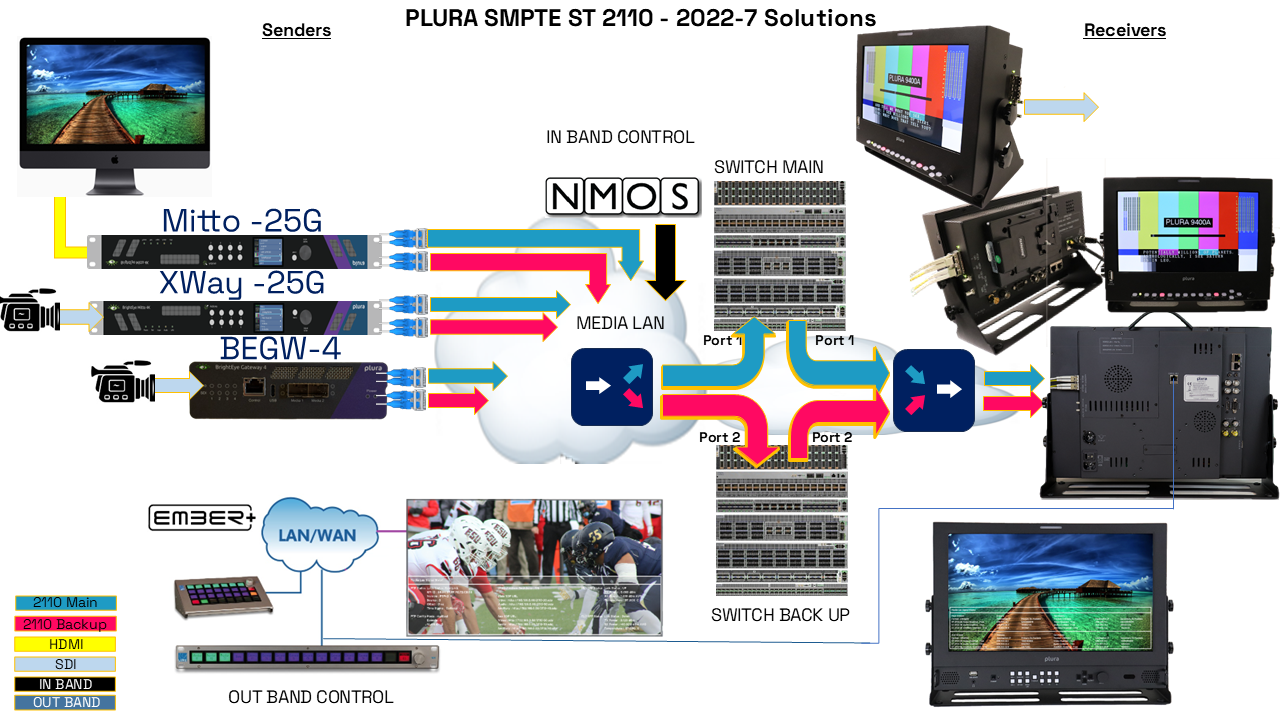
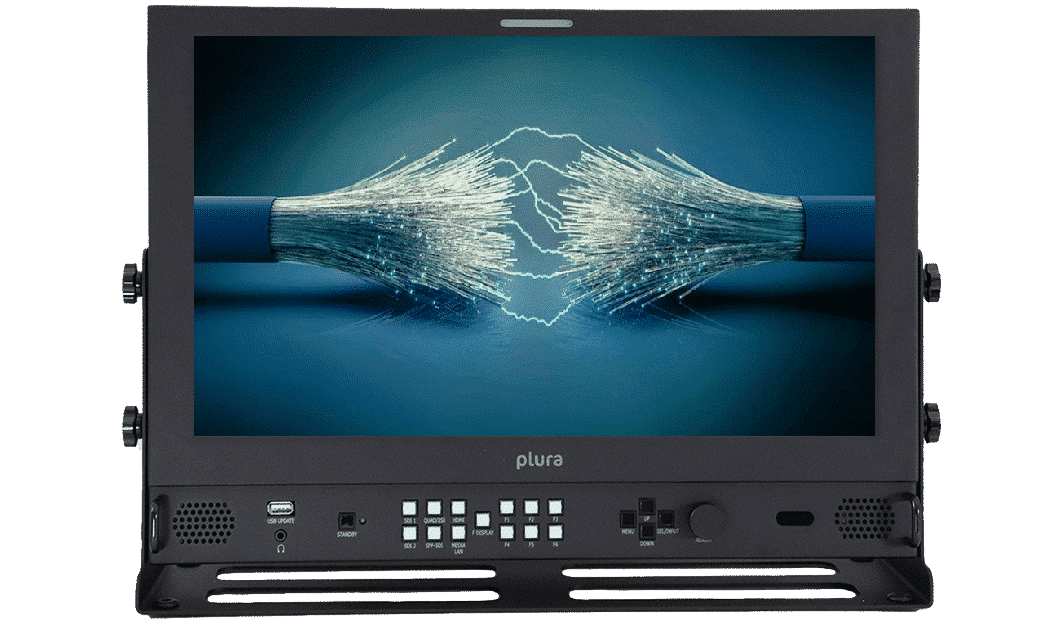
2110 /2022-7 with 2 x 25GbE SFP28 Support- animation with RED & BLUE feed
- SMPTE ST 2110: A suite of standards (ST 2110-10, -20, -30, -40) that separate essence (video, audio, data) into individual streams, packetize them, and send them over IP networks for professional media workflows.
- ST 2022-7 (Redundancy): Enables sending the same video/audio/data streams (essence) over two separate network paths. If one path fails, the receiver seamlessly switches to the other without interruption, ensuring continuous picture/sound.
- IP Support Picture: Refers to how these standards handle video (picture) transport, often uncompressed or lightly compressed (like JPEG XS), supporting high resolutions (UHD, 4K) and frame rates, using standard IT infrastructure like Ethernet switches.
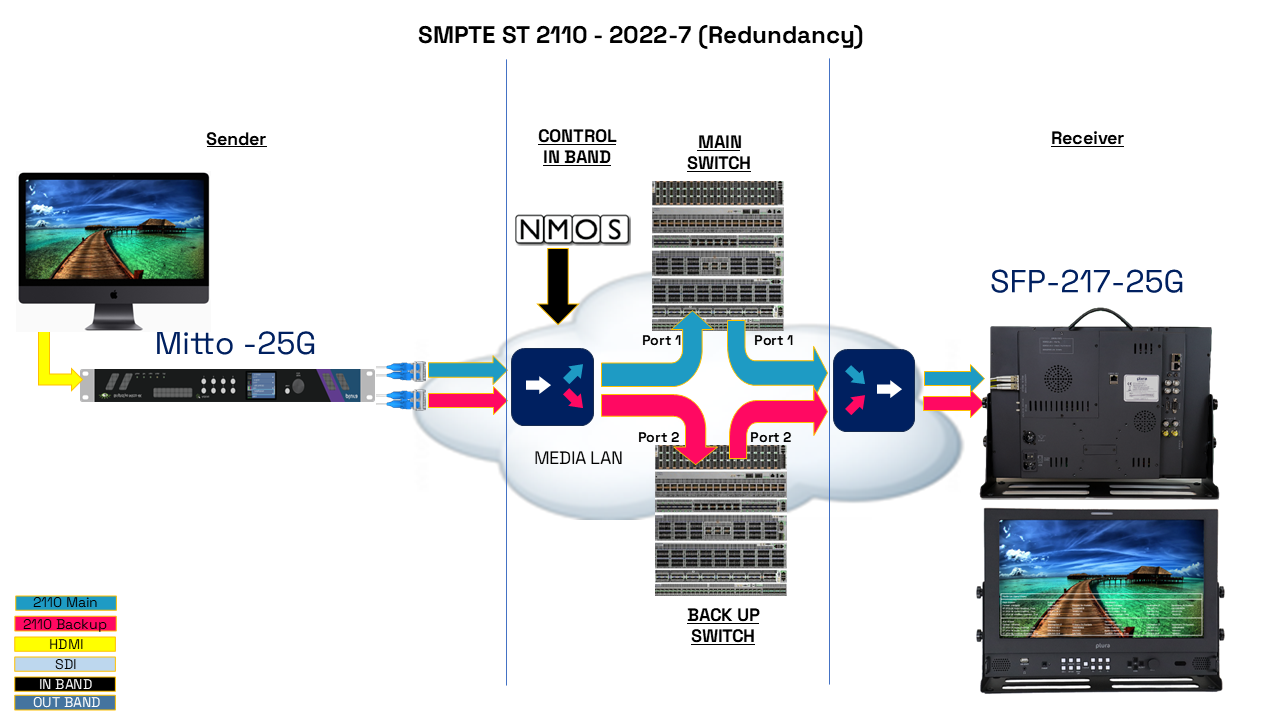
Medialan 2 CH Encap_De_Encap
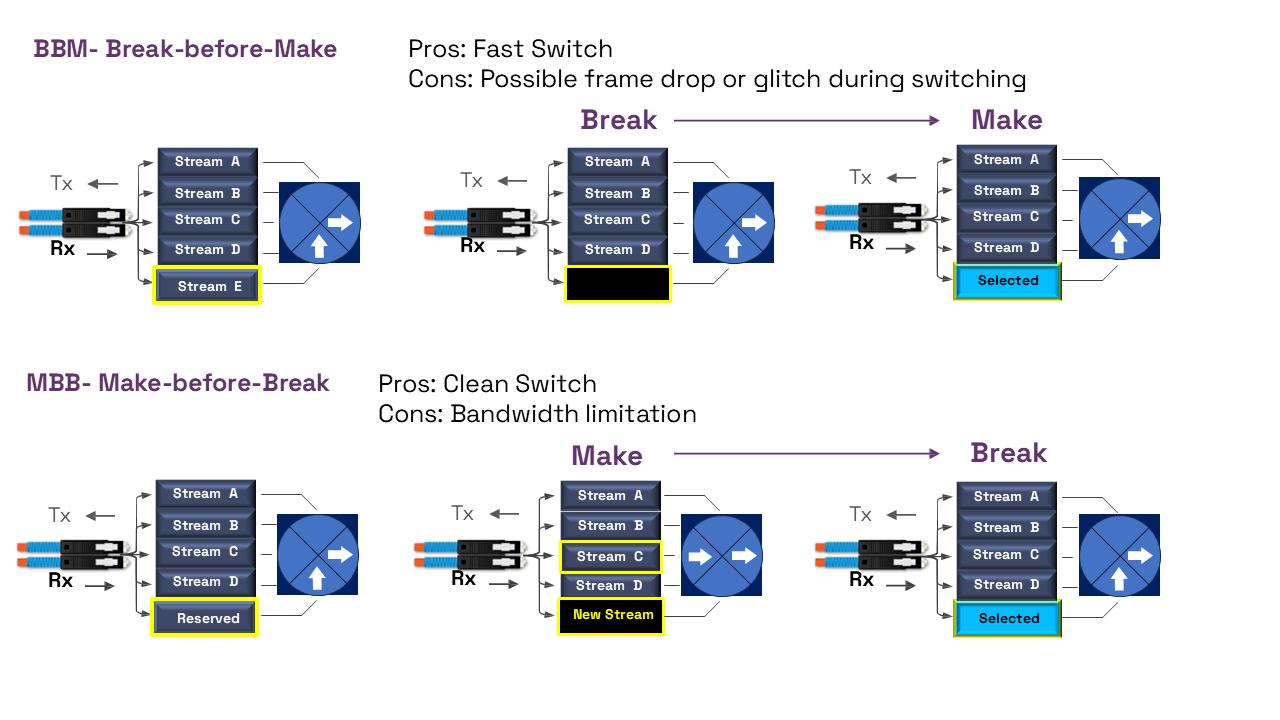
Make before Break & Break before Make
- "Make-before-Break" “MBB” is a seamless video switching method where a receiver prepares a new incoming stream (video, audio, data) while still actively playing the old one, ensuring zero disruption by only switching when the new stream is fully locked and ready.
- Once the new stream is fully synced and ready, the receiver switches, creating a clean, frame-accurate transition without visual interruption, which is a key feature for professional, glitch-free IP media workflows.
- "Break-before-Make" “BBM” which instantly cuts to new content i.e provided a swift switching , however it possibly causing a brief glitch and it may cause a slight interruption (a few frames or packets) during the switch.
- This method ensures the old and new signals never mix, preventing signal interference.
Media LAN Single State - MLSS
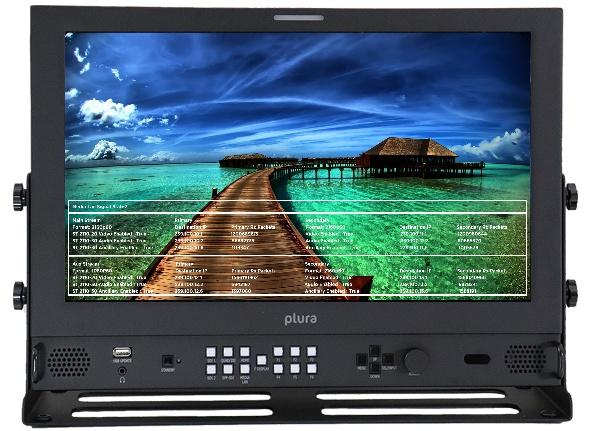
The monitor’s function keys can be customized to instantly display Media LAN Single State (MLSS) information directly on the screen for quick and easy access.
NMOS connectivity status
PTP status and analysis data such as
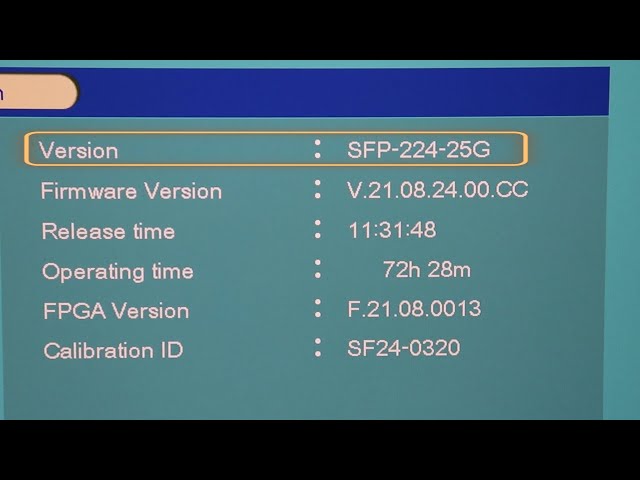
SFP Status and measurement levels
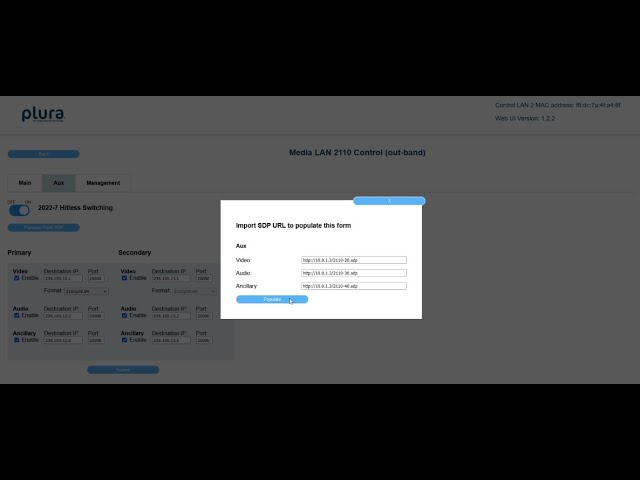
ST-2022-7 Hitless switching status
Main stream primary and secondary signal analysis, and status
Aux stream primary and secondary signal analysis, and status
Audio Mapping status
SDP Session Description Protocol Support
The Session Description Protocol (SDP) is a file format necessary to describe the contents of the SMPTE 2110 streams, SDP file is NOT a delivery mechanism however it is used between two endpoints sender & receiver for negotiation of network metrics, media types, and other associated properties “timing, video, audio and ancillary data, etc…” .
Session descriptions consist of three sections: session, timing, and media descriptions.
v = (version number=0)
o = (originator and session identifier : username, id, version number, network address)
s = (session name : mandatory with at least one UTF-8-encoded character)
t = (session time)
m = (media descriptions)
There is one file for each type of stream. -10, -20, -30 & -40. The file for each stream contains the following media information:
- The source IP address for the file. This is an address that the sender controls.
- The unicast or multicast address that the receiver can connect to, in order to obtain the content.
- Descriptions of the media in the stream.
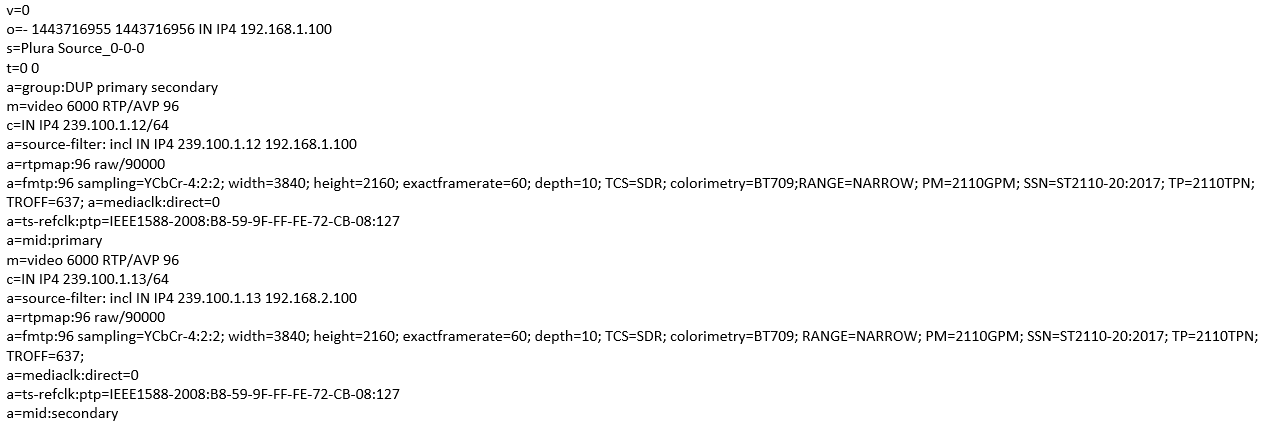
| SDP file | Description |
| v=0 | /version number |
| o=- 1443716955 1443716956 IN IP4 192.168.1.100 | /IP Address |
| s=Plura Source_0-0-0 | /Host Name |
| t=0 0 | /time |
| a=group:DUP primary secondary | /Duplicates Primary / Secondary streams |
| m=video 6000 RTP/AVP 96 | /Destination Port filtering - Primary |
| c=IN IP4 239.100.1.12/64 | /Destination IP filtering - Primary |
| a=source-filter: incl IN IP4 239.100.1.12 192.168.1.100 | /Filtering selection + IP address - Primary |
| a=rtpmap:96 raw/90000 | /2110 def - Primary |
| a=fmtp:96 sampling=YCbCr-4:2:2; width=3840; height=2160; exactframerate=60; depth=10; TCS=SDR; colorimetry=BT709;RANGE=NARROW; PM=2110GPM; SSN=ST2110-20:2017; TP=2110TPN; TROFF=637; a=mediaclk:direct=0 | /Video Metadata + 2110 version (-20) - Primary |
| a=ts-refclk:ptp=IEEE1588-2008:B8-59-9F-FF-FE-72-CB-08:127 | /Master or Clock ID |
| a=mid:primary | /end primary stream |
| m=video 6000 RTP/AVP 96 | /Destination Port filtering - Secondary |
| c=IN IP4 239.100.1.13/64 | /Destination IP filtering - Secondary |
| a=source-filter: incl IN IP4 239.100.1.13 192.168.2.100 | /Filtering selection + IP address - Secondary |
| a=rtpmap:96 raw/90000 | /2110 def - Secondary |
| a=fmtp:96 sampling=YCbCr-4:2:2; width=3840; height=2160; exactframerate=60; depth=10; TCS=SDR; colorimetry=BT709; RANGE=NARROW; PM=2110GPM; SSN=ST2110-20:2017; TP=2110TPN; TROFF=637; a=mediaclk:direct=0 | /Video Metadata + 2110 version (-20) - Secondary |
| a=ts-refclk:ptp=IEEE1588-2008:B8-59-9F-FF-FE-72-CB-08:127 | /Master or Clock ID |
| a=mid:secondary | /end secondary stream |
NMOS Support
The Advanced Media Workflow Association (AMWA) has published a set of Networked Media Open Specifications (NMOS) to facilitate the orchestration of media flows on IP networks. NMOS provides a vendor-independent method to connect SMPTE ST 2110 senders and receivers, enabling the discovery, connection, and configuration of media devices for transporting video, audio, and ancillary data.
Please note that Plura SFP-25G and SFP-25G-H IP monitors support the AMWA IS-04 and IS-05 specifications. IS-04 enables device discovery and registration, while IS-05 manages device connections. These monitors are officially listed as NMOS/AMWA-approved media nodes at the link here.
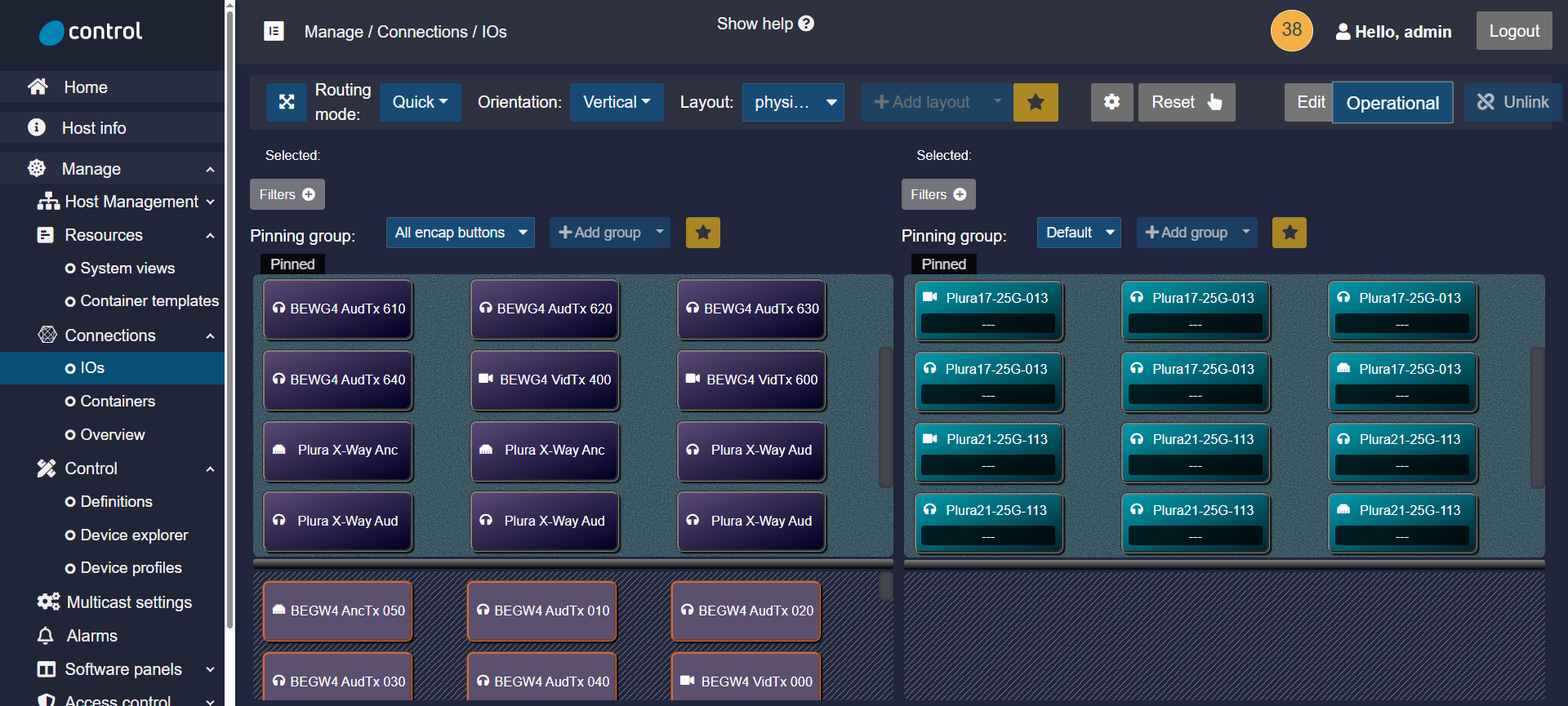
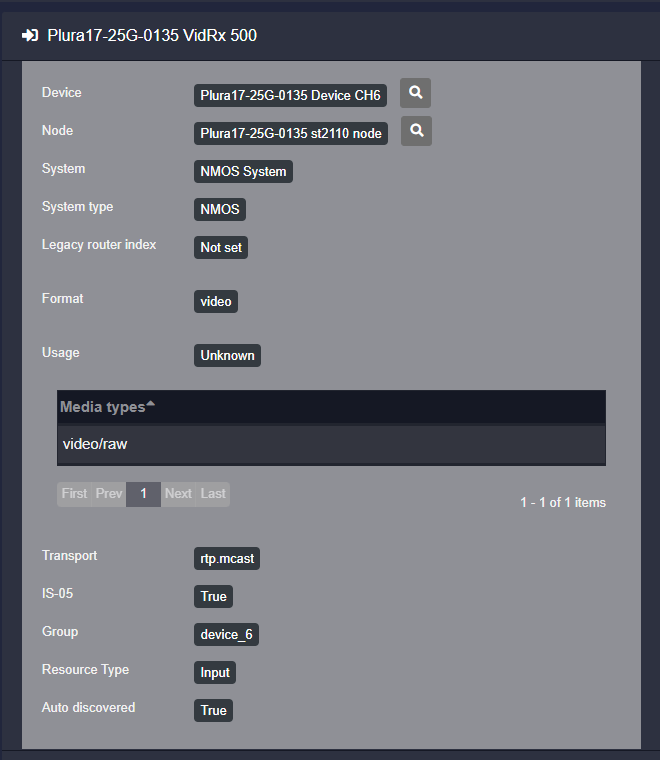
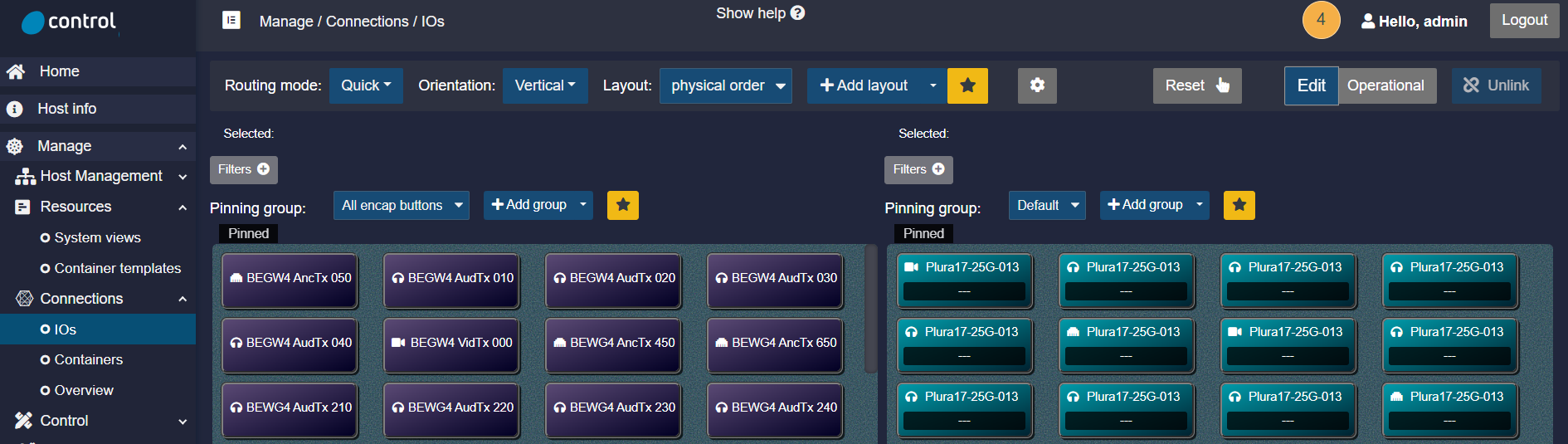
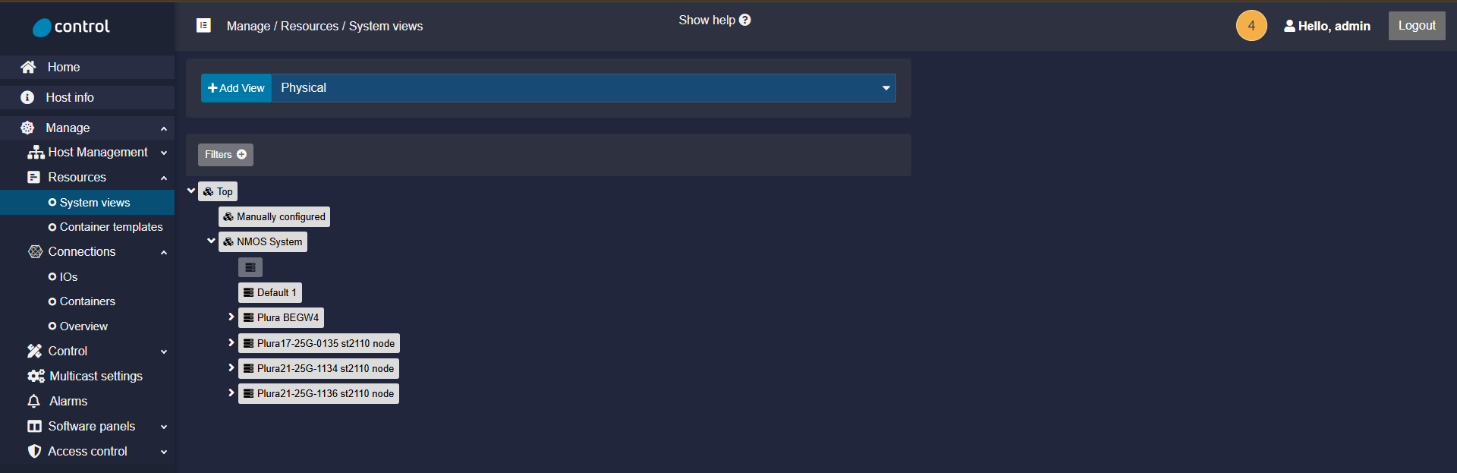
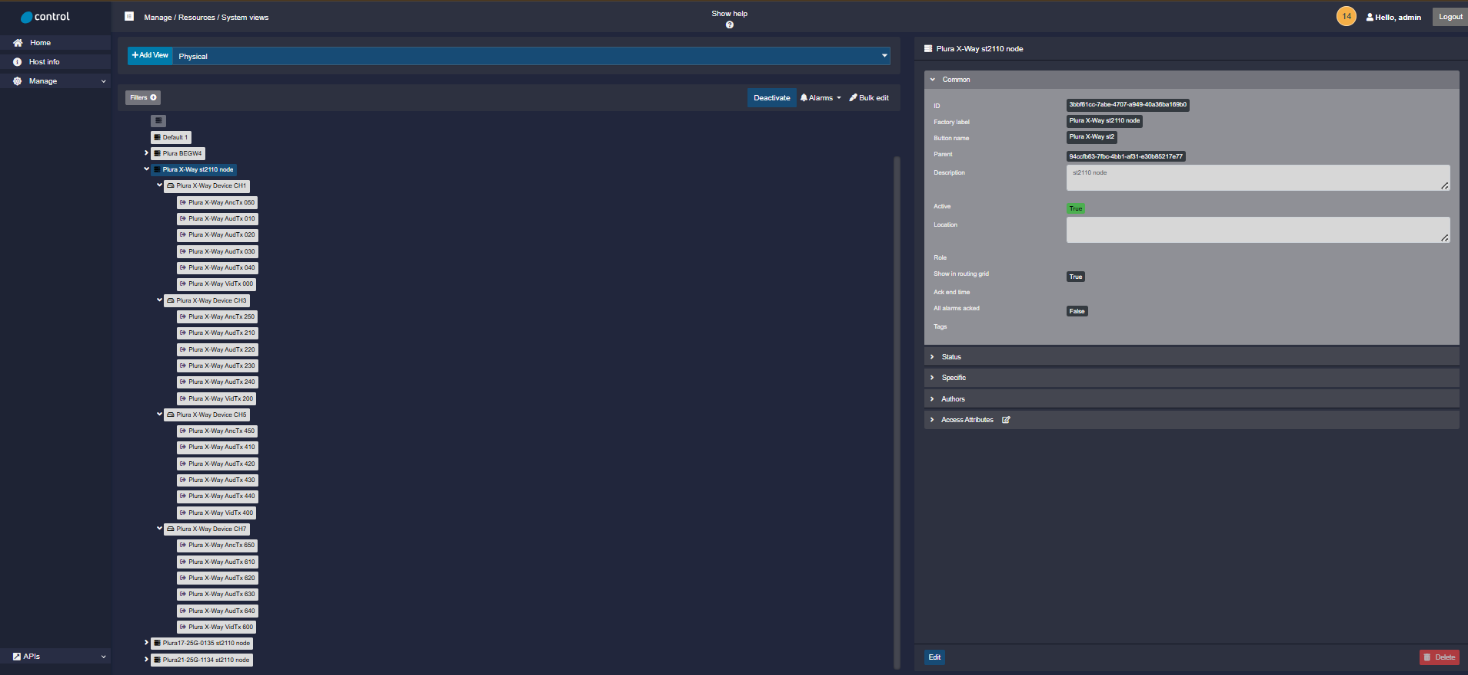
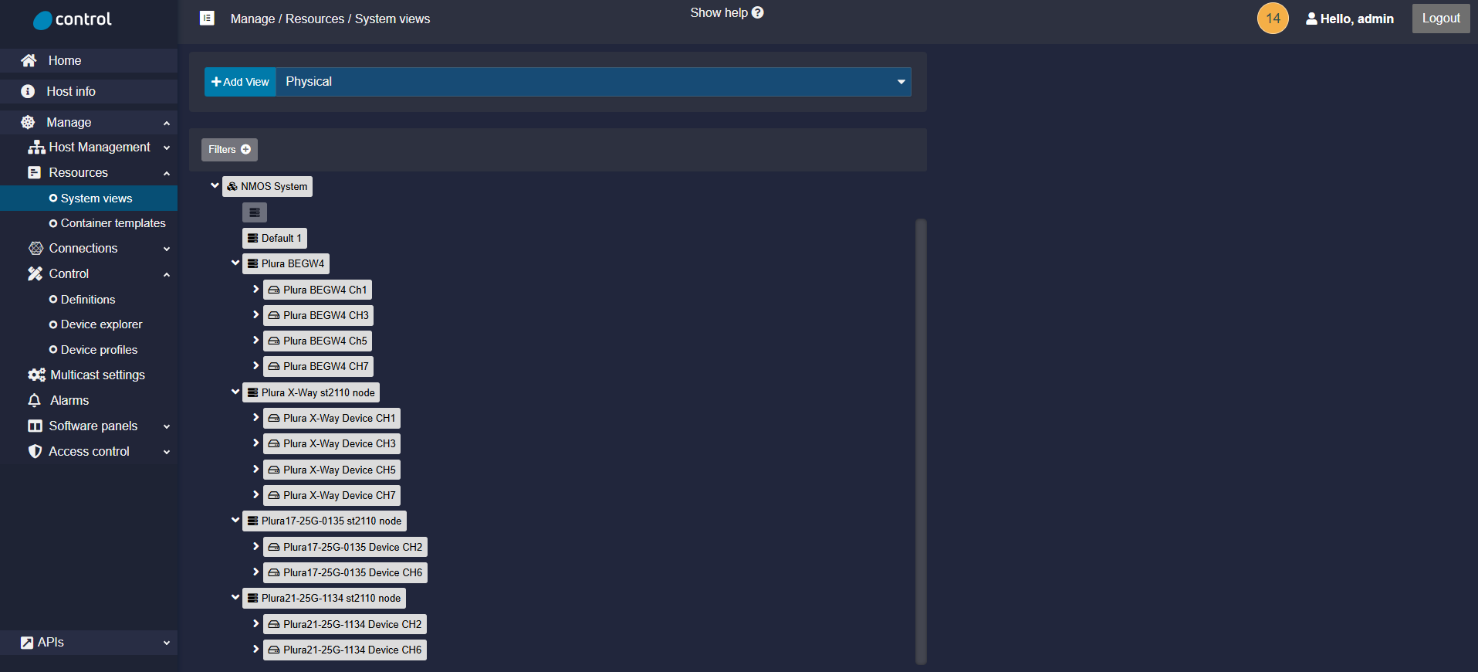
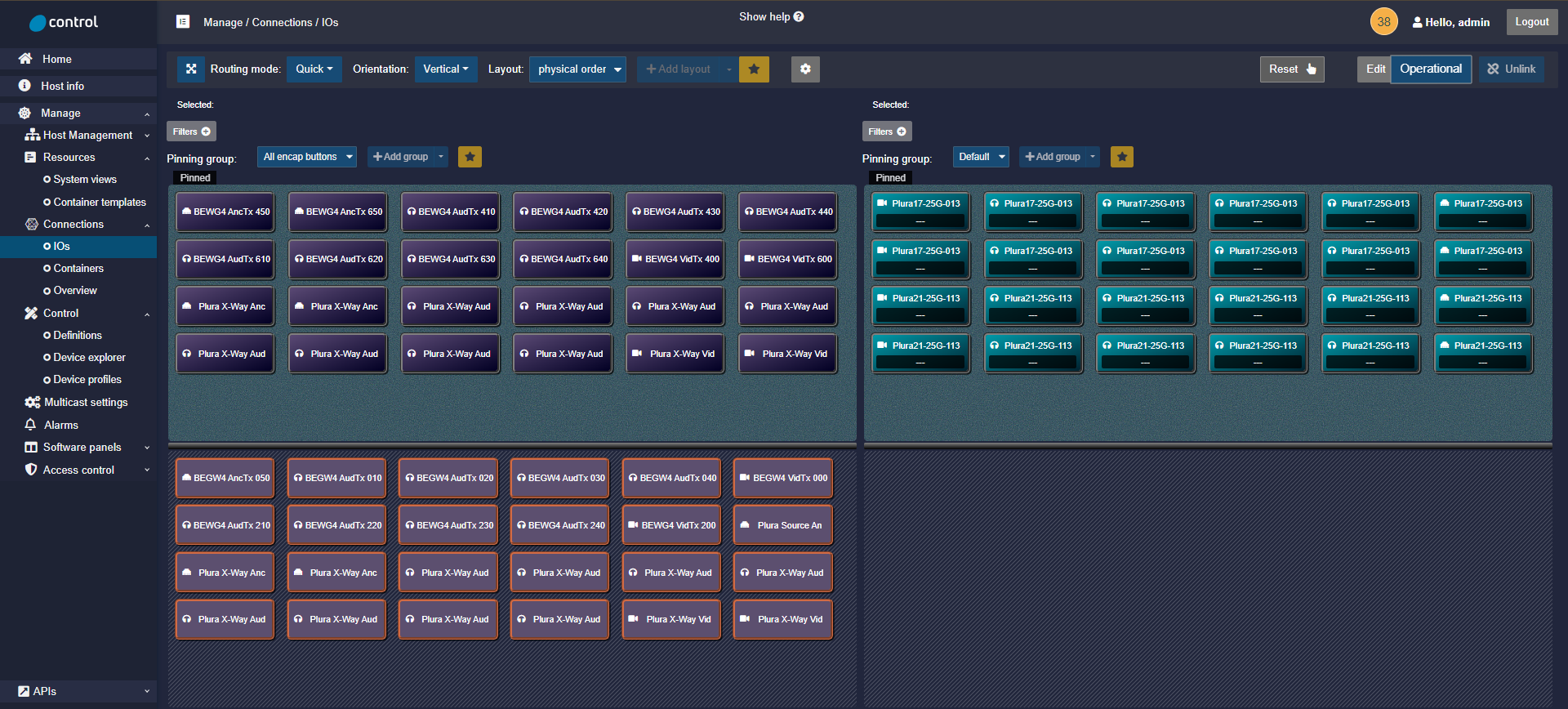
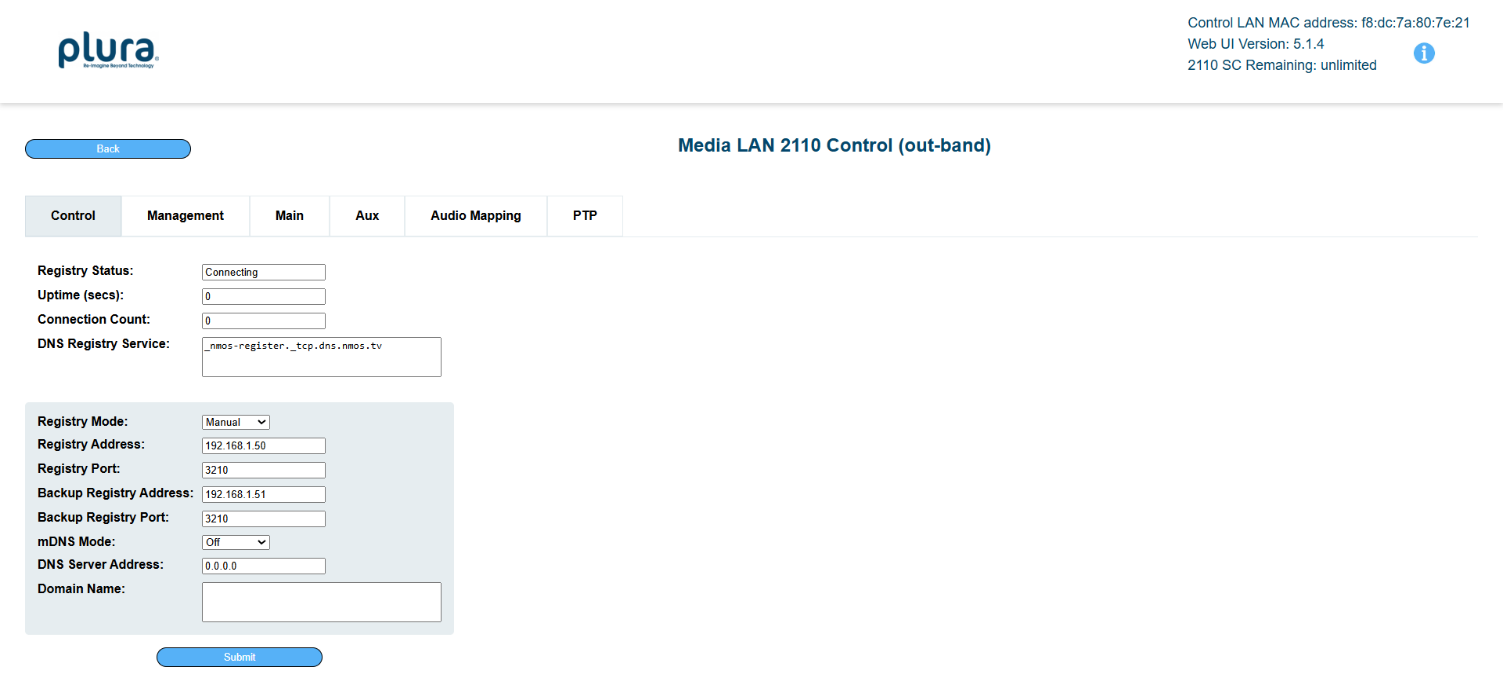
You can find more information regarding NMOS from AMWA here.
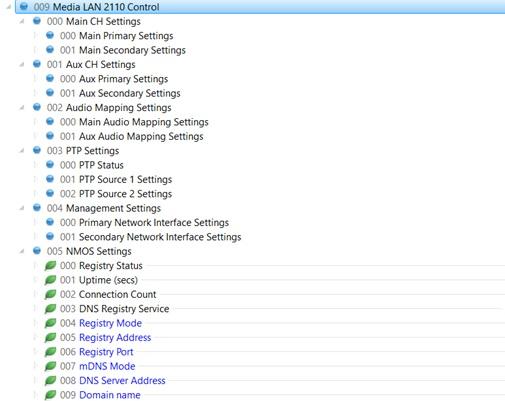
Ember+ support “Ember Tree”
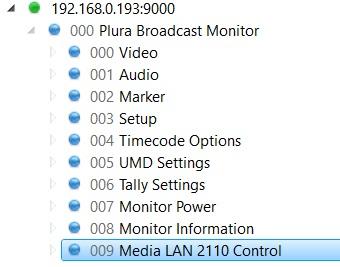
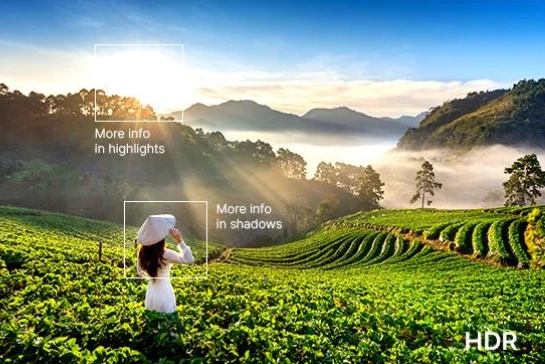
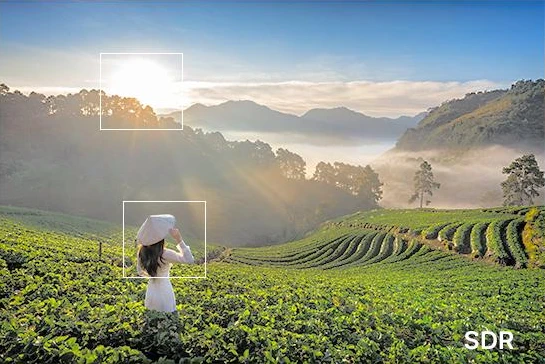
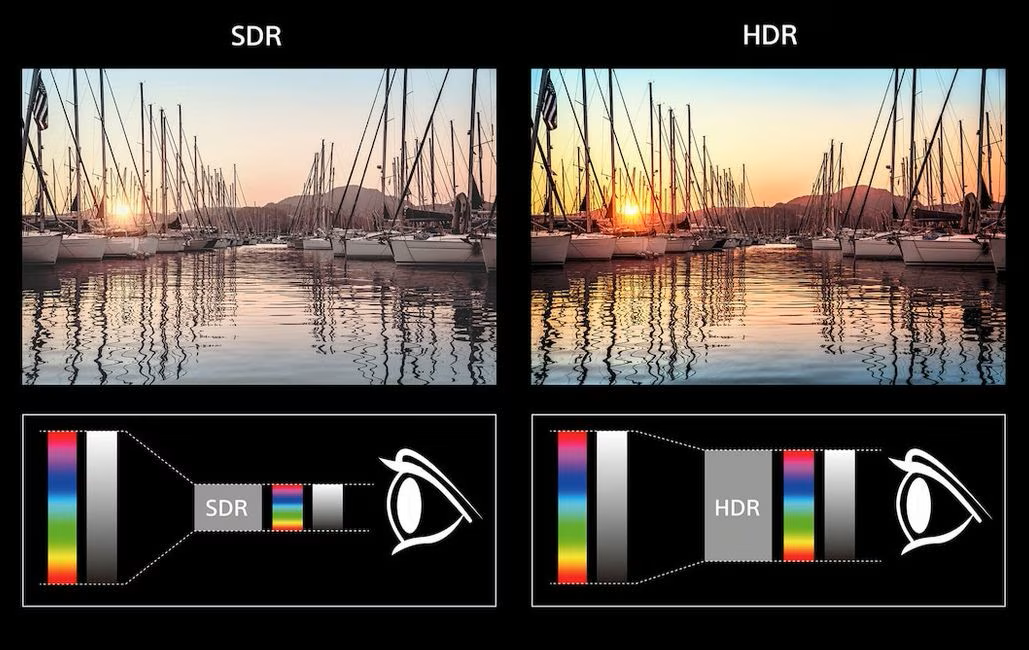
HDR / SDR
HDR (High Dynamic Range) capabilities
PQ (SMPTE ST 2084) & HLG (Hybrid Log Gamma)
To calculate tone mapping curves for HDR to SDR conversion, you may use the Formula below:
SDR Value = HDR Value x (SDR Peak / HDR Peak) ^ Gamma correction (1/gamma)
e.g.
1000 nit HDR to 100 nit SDR
SDR Value = 1000 x (100/1000) ^ 1/2.2 = 355 nits
Support HLG & PQ and Custom LUT upload
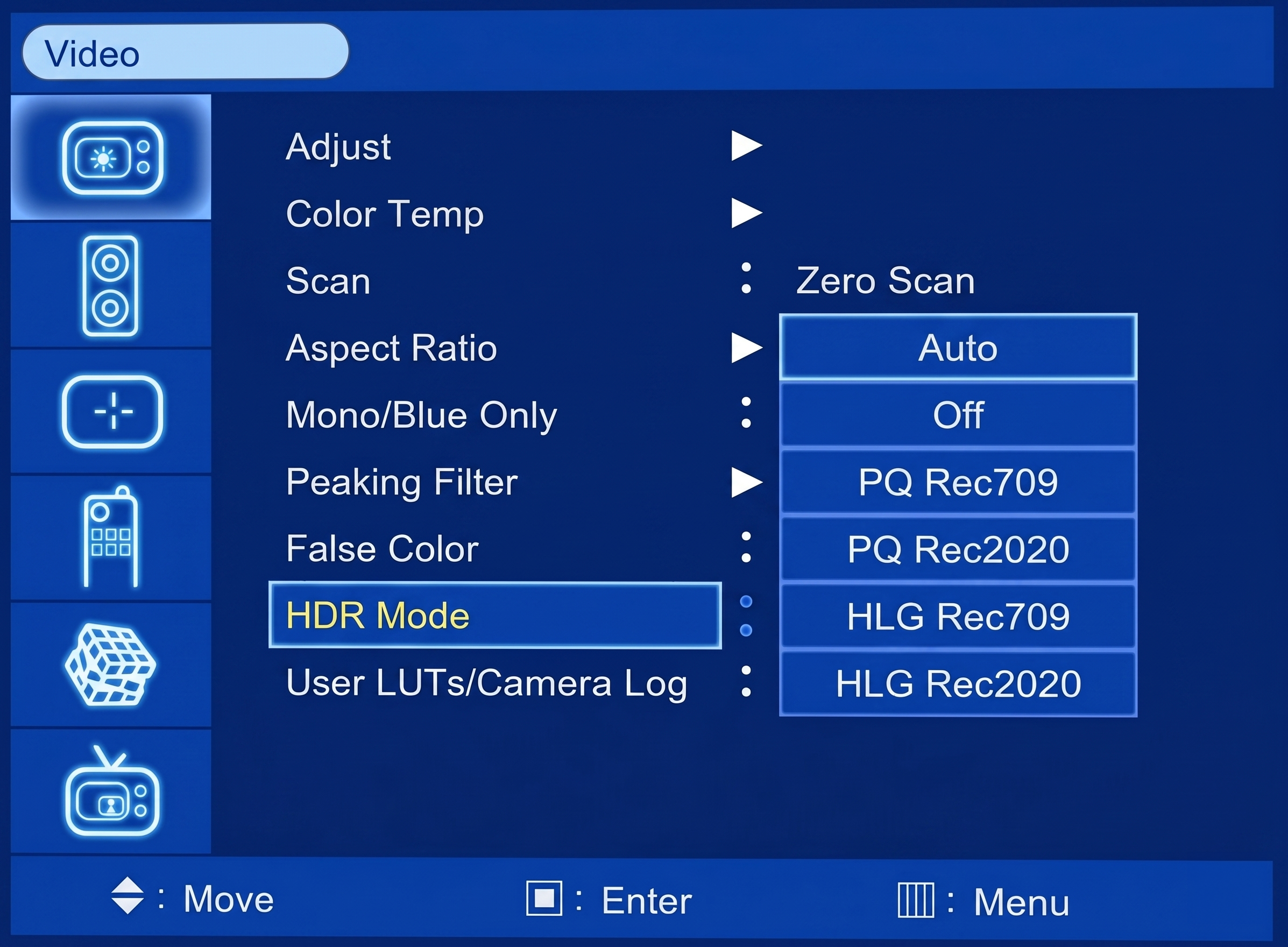
The Plura monitor is designed to detect any HDR metadata within the SDI ANC stream and will display the video accordingly when the monitor is set to AUTO mode. In the event that the video stream does not contain HDR metadata, the monitor’s HDR setting can be manually adjusted to the desired HDR range, such as PQ Rec 709, PQ Rec 2020, HLG Rec 709, or HLG Rec 2020.
Custom HDR range LUT can be uploaded and used if necessary.
High Contrast Ratio
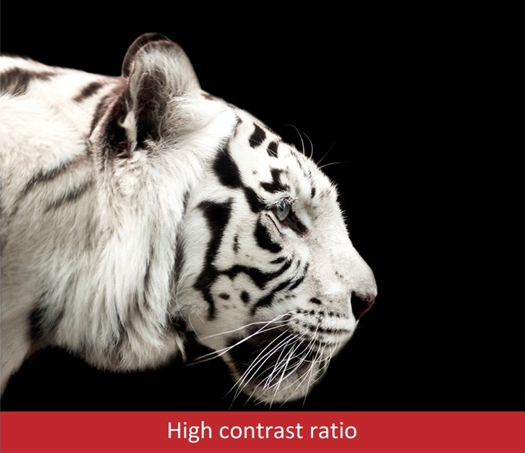
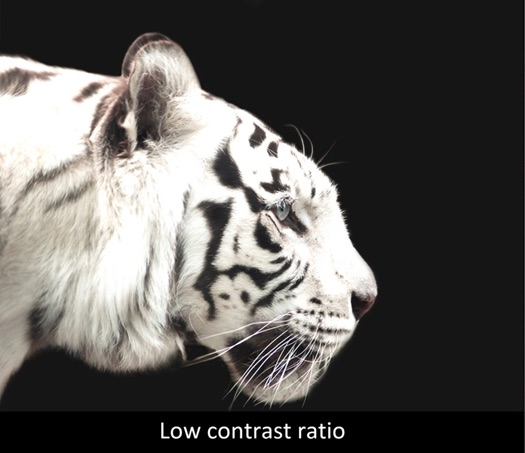
The contrast ratio refers to the difference between the brightest white and the darkest black a display can produce. A higher contrast ratio results in a more pronounced difference between light and dark areas on the screen.
This enhancement improves image clarity and detail, making subtle nuances in images or videos much easier to notice and see.
Screen contrast ratio is typically expressed as a ratio, such as 800:1 or 2500:1. This figure represents the brightness of the brightest white relative to the darkest black that a display can produce.
For example, a ratio of 800:1 indicates that the white is 800 times brighter than the black. A higher ratio, such as 2500:1, results in a more pronounced difference between white and black, leading to a more vivid and detailed image.
Please note that while a higher contrast ratio generally improves image quality, the actual viewing experience also depends on other factors, including screen technology and ambient lighting conditions.
Quad View
- Quad View Inputs
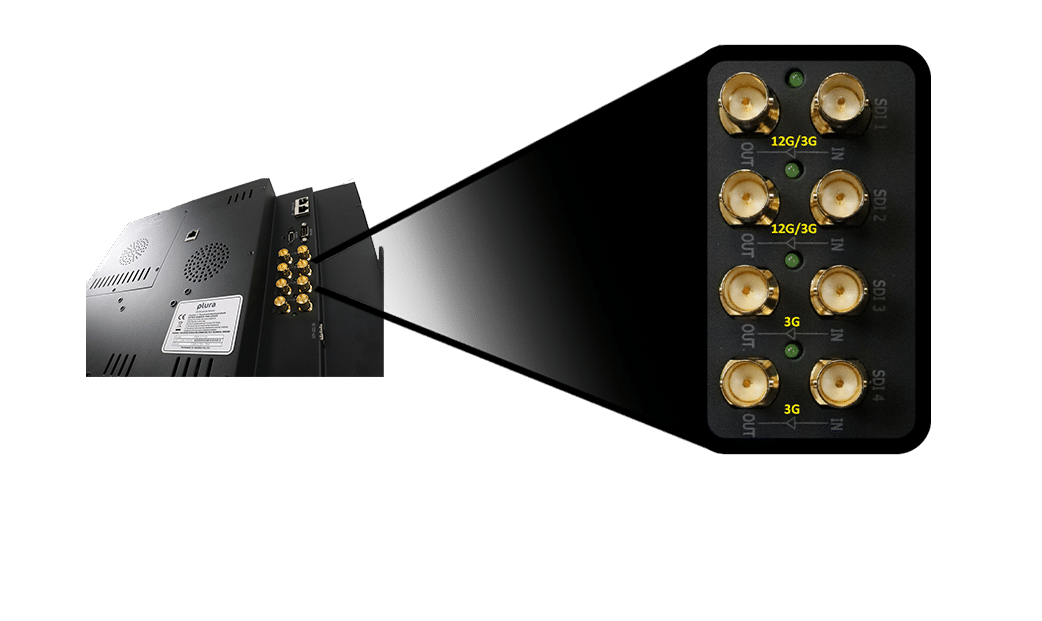
Quad View Input Mode can act as a 4 channels multi-view applications which displays up to four 4 individual SDI inputs. It supports 12G & 3G SDI signals.
- Quad View Mode1
Quad View mode 1. This mode can display up to four 4 individual SDI inputs. Unsupported formats message will be displayed if the input format is 1.5G or lower and NO Signal message will be displayed without a physical input connection.
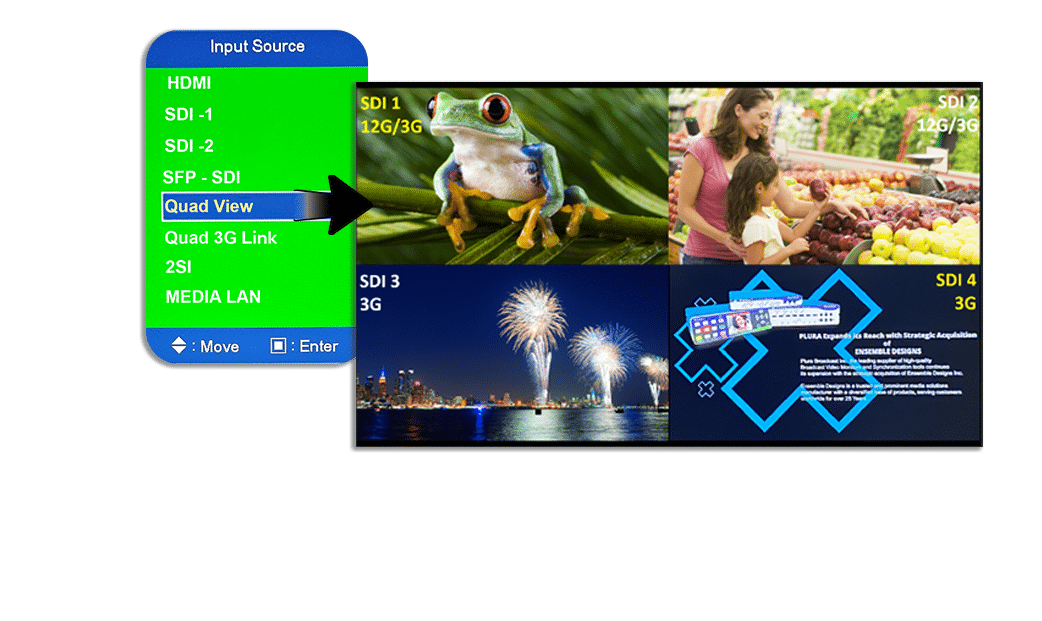
- Quad View Mode2
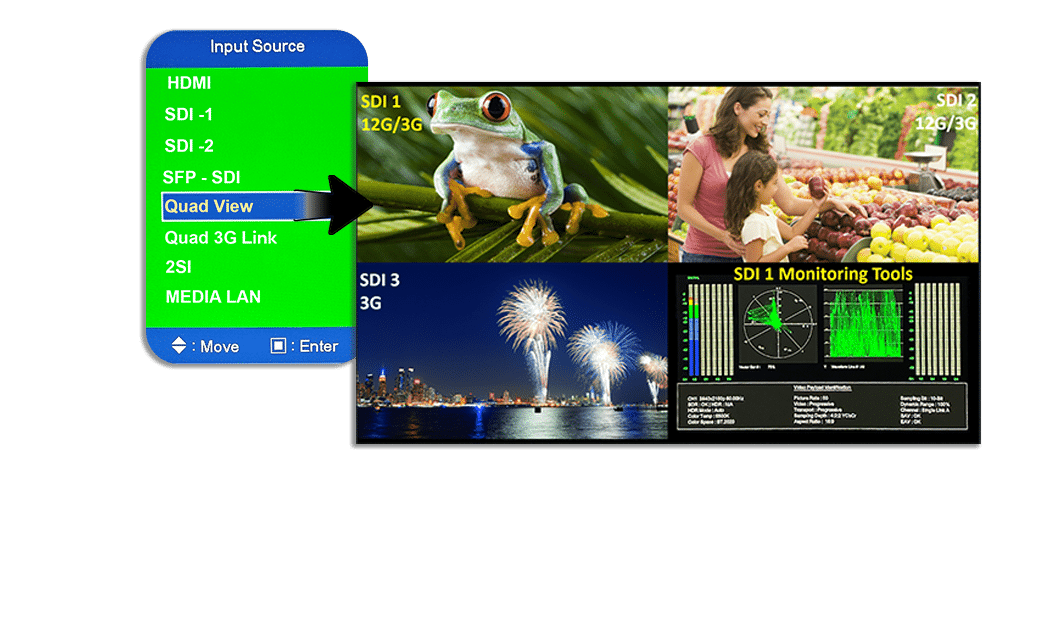
- Quad View mode 2. This mode can display up to three 3 individual SDI inputs and added Monitoring tools for SDI input 1 to one quadrant when SDI 3 or 4 are not present but not both such as:-
- Waveform / Vector Scope
- 16 channels Audio Metering
- Video Payload Identification "VPID"
Unsupported formats message will be displayed if the input format is 1.5G or lower and NO Signal message will be displayed without a physical input connection.
LKFS
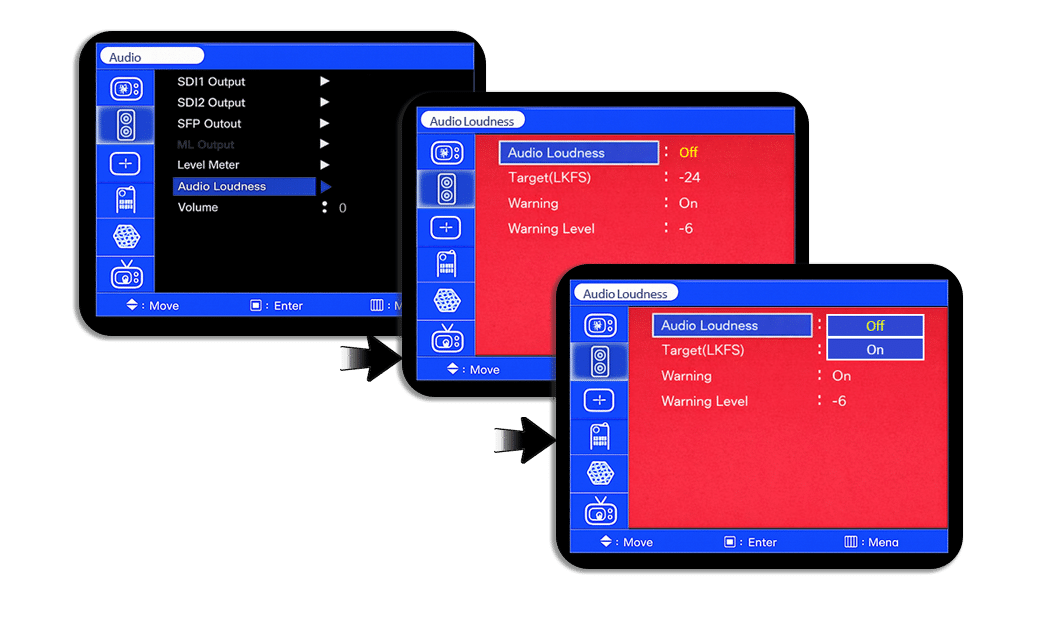
This monitor series support the popular Audio Loudness “LKFS” feature. The Audio Loudness can be accessed via Audio Menu as well as the FUNCTION key.LKFS and QC Dashboard capabilities
NEW & Advanced features take Master Control monitoring to a higher and unmatched Level. Plura selected monitors support “QC Dashboard” that include WF/VS, Audio meters, (Closed Caption Decoding) and an on screen LKFS measurement with logging!
Audio Loudness Menu can be selected from the audio menu
- Settings
- Target Level
- Warning notifications
- Warning level
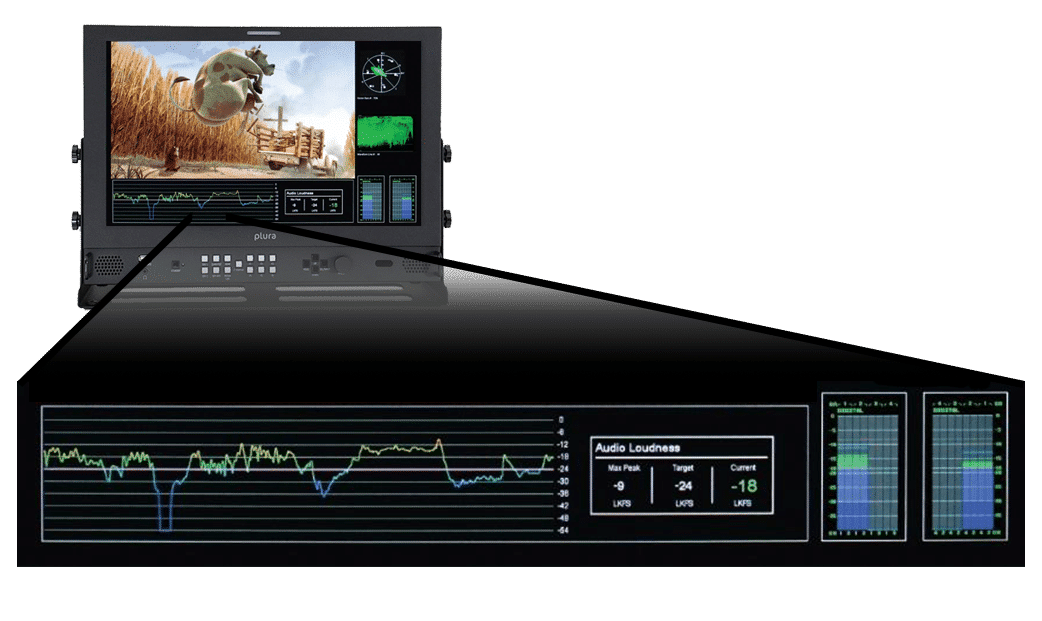
LKFS Loudness Real-Time Monitoring & Logging
LKFS Loudness Real-Time display & logging on a remote PC using PSC-500
(Plura System Controller Utility). See below:
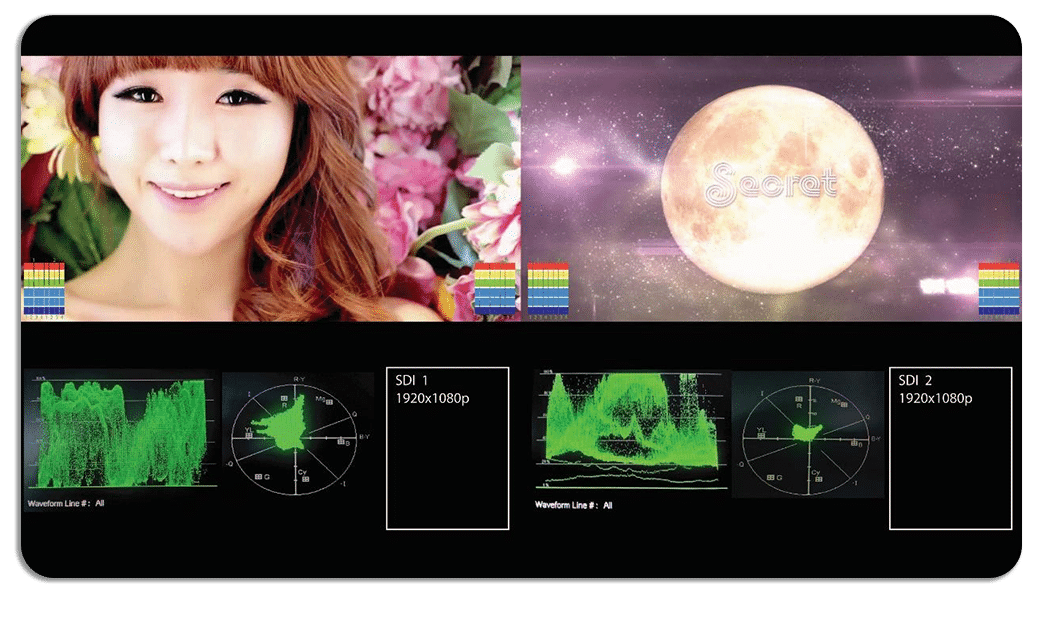
Advanced WF & Vector with Line select animation
Plura monitors supports multiple waveform and vector modes
- Luminance & Vector
- Chroma B & Vector
- Chroma R & Vector
- Luminance, Chroma R & B
- Luminance G
- Luminance R
- Luminance B
- Luminance G,B,R
- Signal State 1 with Luminance & Vector
- Signal State 2 with Luminance & Vector
- Quad view with CH1
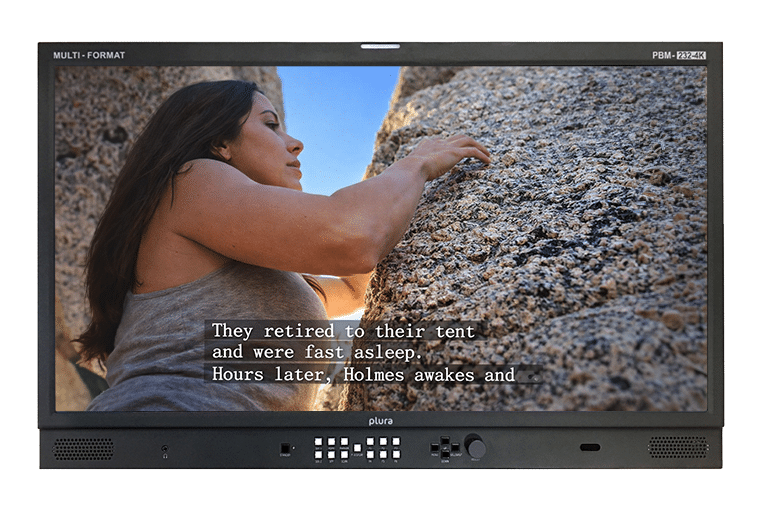
Closed Caption and OP47 display
Closed Caption (CC) and OP-47 support require professional monitoring tools, such as Plura monitors, to ensure standards for embedding, decoding, and monitoring subtitles in video signals. OP-47 is a World System Teletext (WST) standard used for HD/SD video that carries data in VANC (Vertical Ancillary) packets, requiring specialized hardware for compliance and confidence checks.
Plura monitors provide robust support for CEA-708/608 closed captioning and OP-47 teletext. By decoding these embedded VANC data streams directly, Plura monitors allow users to view captions on-screen and analyze them using built-in quality control tools, such as waveform monitors. This integration simplifies workflows and ensures caption integrity and broadcast compliance across regions, including North America, Europe, and Australia/NZ.
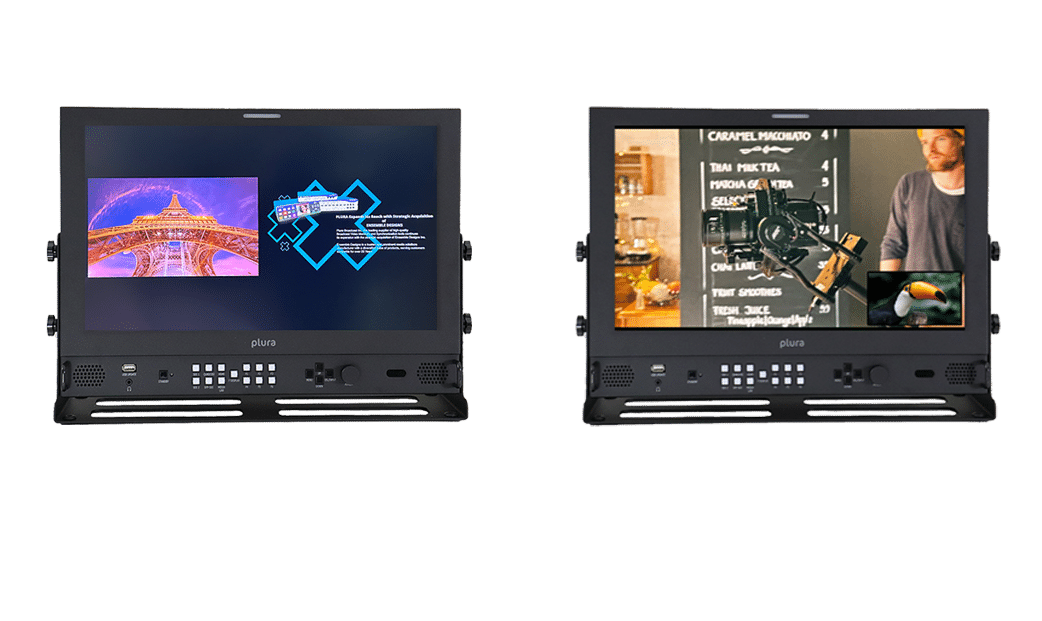
Dual display PIP & PAP
Plura’s Picture-in-Picture (PIP) and Picture-and-Picture (PAP) features enable users to monitor multiple video sources simultaneously within a single display, perfect for live production and technical environments.
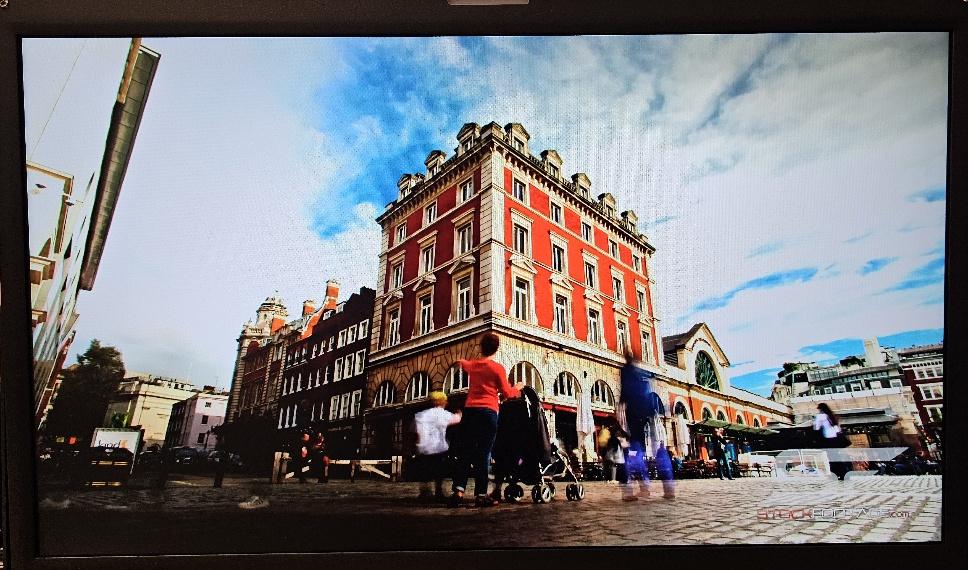
Adjustable Color Temp.
Plura monitors are known for their adjustable color temperature, offering wide ranges (e.g., 11000K to 3200K) and user-defined settings, plus advanced tools like 3D LUTs, gamma correction, and ICAC (Intelligent Connection for Alignment & Calibration), making them suitable for professional broadcast and color-critical applications. These settings are accessed through intuitive menus or remote control for precise color management.
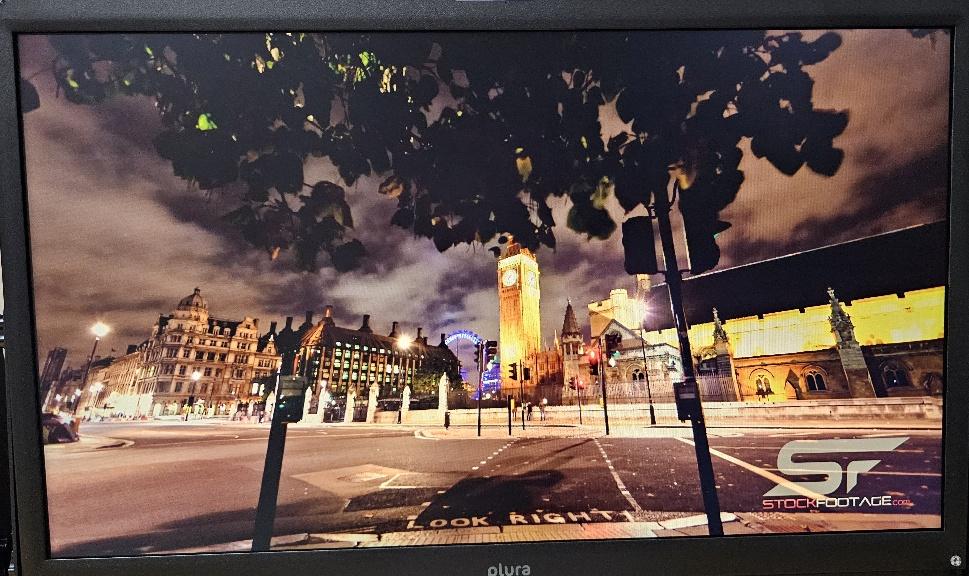
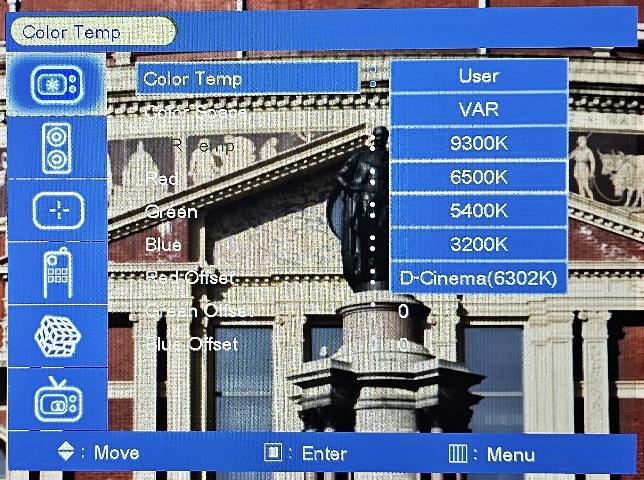
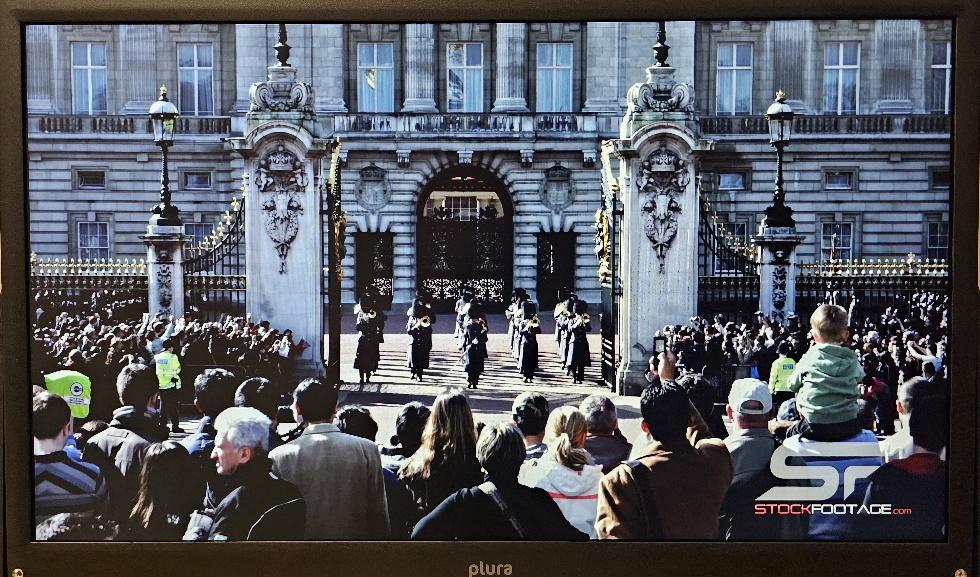
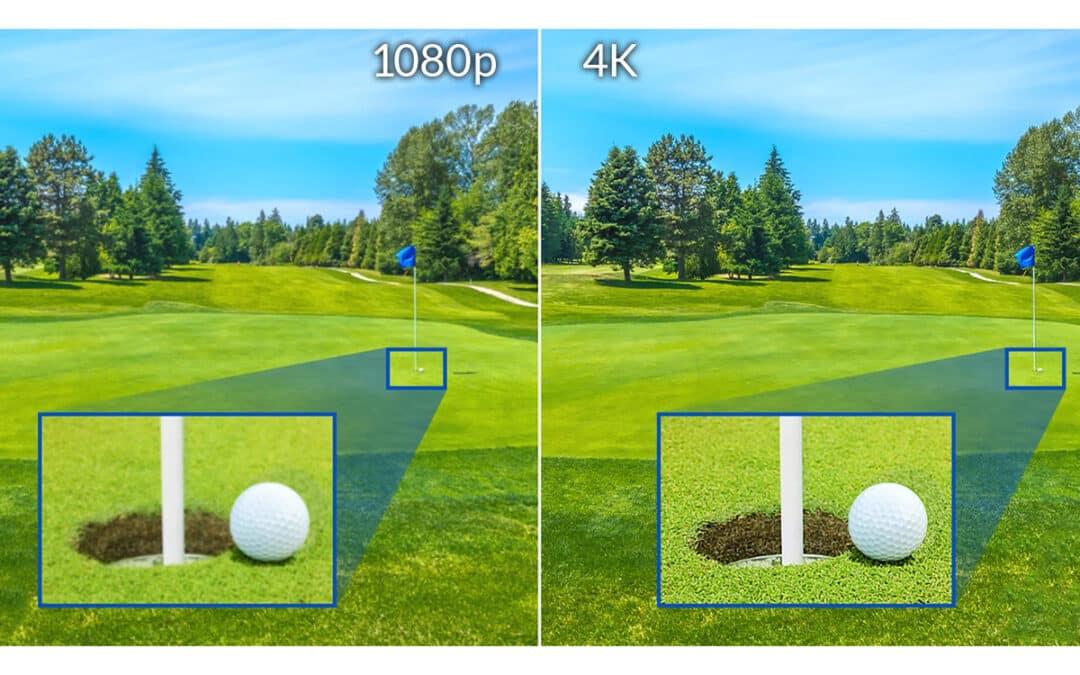
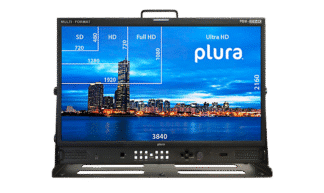
4096 x 2160 panel resolution animation
SD resolution: 640 x 480 pixels
Full HD resolution: 1920 x 1080 pixels
4K resolution: 3840 x 2160 pixels
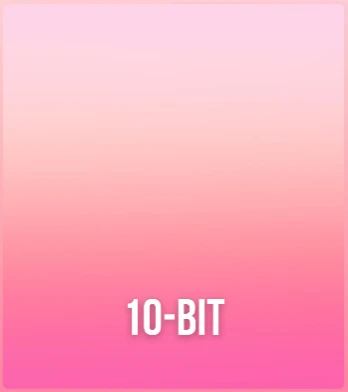
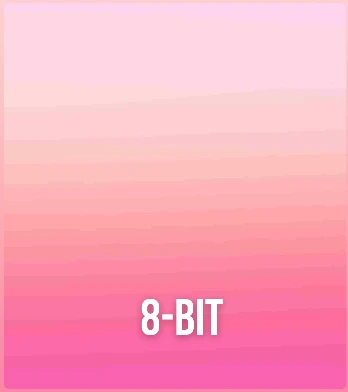
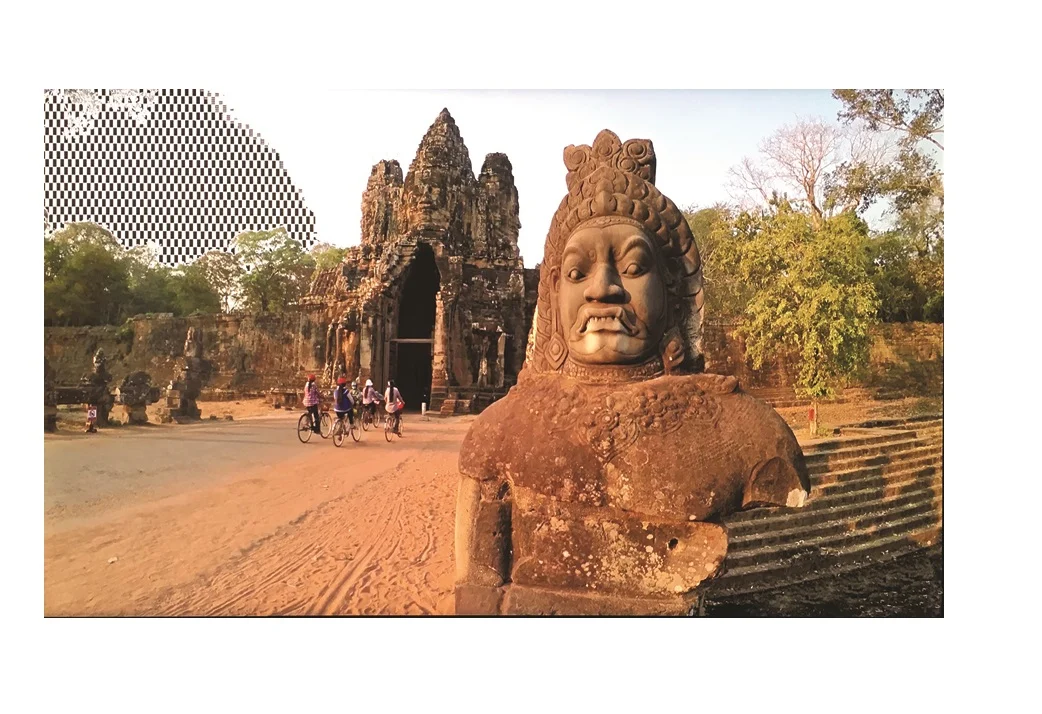
True 10 bit vs 8 bit panel color depth
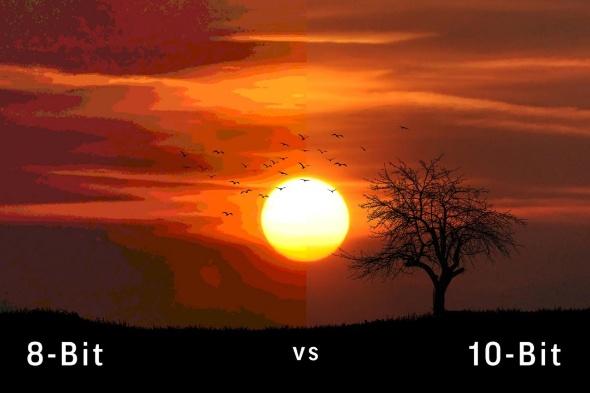
The image illustrates the visual difference between 8-bit and 10-bit color depth in displays, specifically in the smoothness of color gradients.
- 8-bit color uses 256 shades per primary color (Red, Green, Blue), totaling 16.7 million colors (256 x 256 x 256).
- 10-bit color uses 1024 shades per primary color, over 1 billion colors (1024 x 1024 x 1024).
- The 8-bit gradient on the left shows noticeable color banding (distinct lines between shades), while the 10-bit gradient on the right appears smoother because it has more intermediate shades.
- 10-bit displays are often used by professionals and for HDR content (like Dolby Vision or HDR10+) to provide a more accurate and seamless visual experience.
Color Gamut Coverage and support
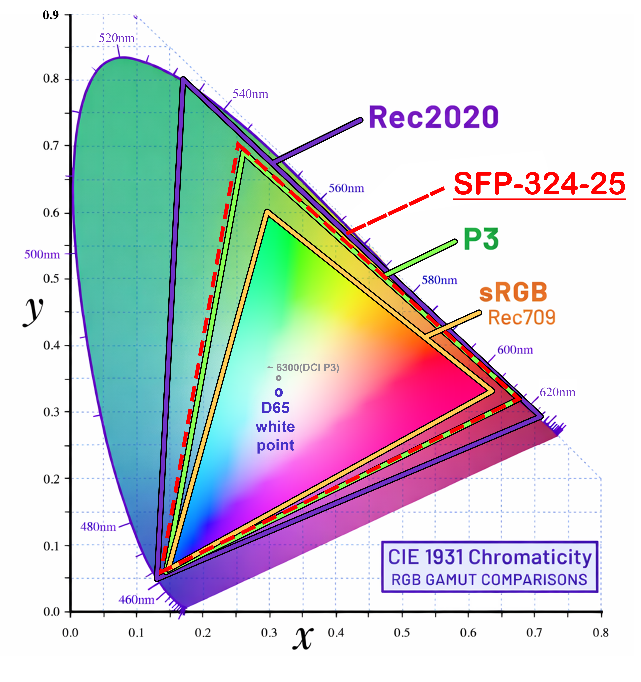
SFP-324-25G monitor color gamut coverage is 103% DCI-P3 as illustrated on the graphic. Various Color Spaces based on the application as itemized below
| Color Space | Standards | Application |
| sRGB / Rec. 709 | HD and UHD | Standard Dynamic Range for HD & UHD content |
| Rec. 2020 | UHD | Wide color gamut for 4K/8K content |
| DCI-P3 | Digital Cinema | Digital cinema color content |
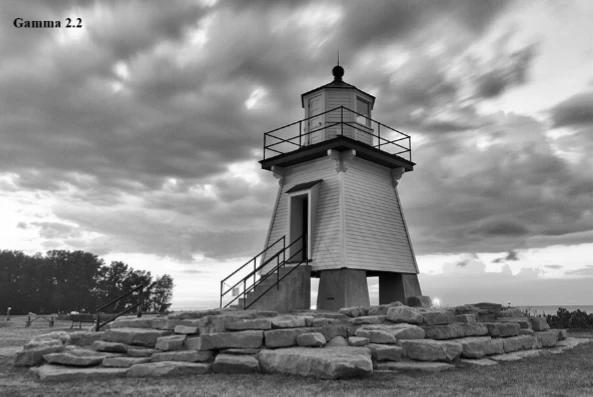
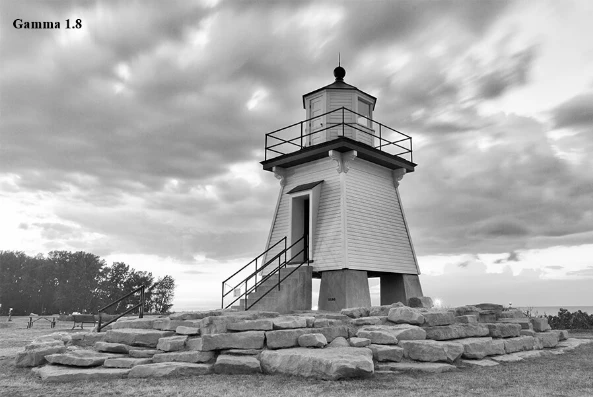
Gamma Selection
S-Log LUT curves
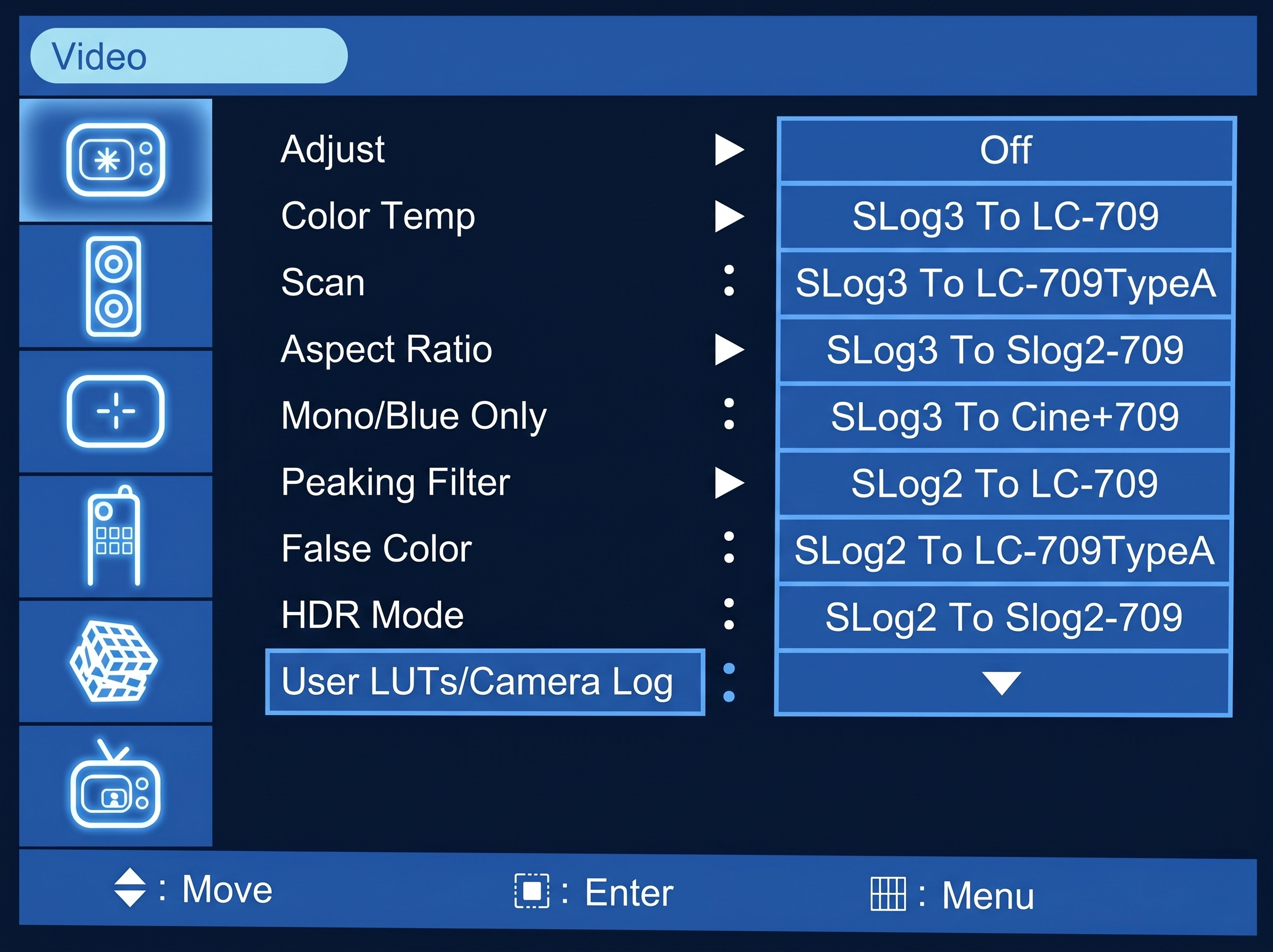
Plura monitors support 3D LUTs, including S-Log, which allows you to view a Rec.709 preview of flat S-Log footage. This feature ensures more accurate exposure and color judgment during filming.
Plura monitors include built-in S-Log3 LUTs and support the import of custom LUTs from a wide range of manufacturers.
Calibration
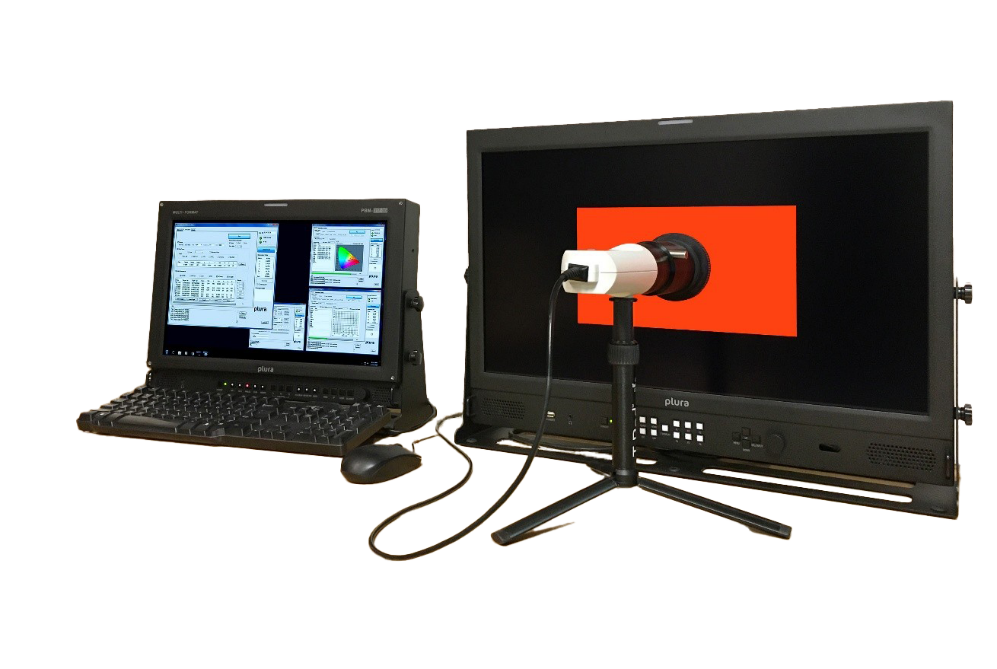
Plura monitors feature advanced calibration tools like the proprietary ICAC (Intelligent Connection for Alignment & Calibration) software for automated adjustments and integration with professional tools like ColourSpace PRO and Selected color probes for precise color matching to broadcast standards (SMPTE, EBU, REC 709, REC 2020), ensuring accurate color reproduction using colorimeters for professional video work.
These features ensure that what you see on the Plura monitor accurately reflects broadcast standards and what will appear on other devices, making them suitable for professional color-critical work, despite some mixed user experiences. For more information, click here
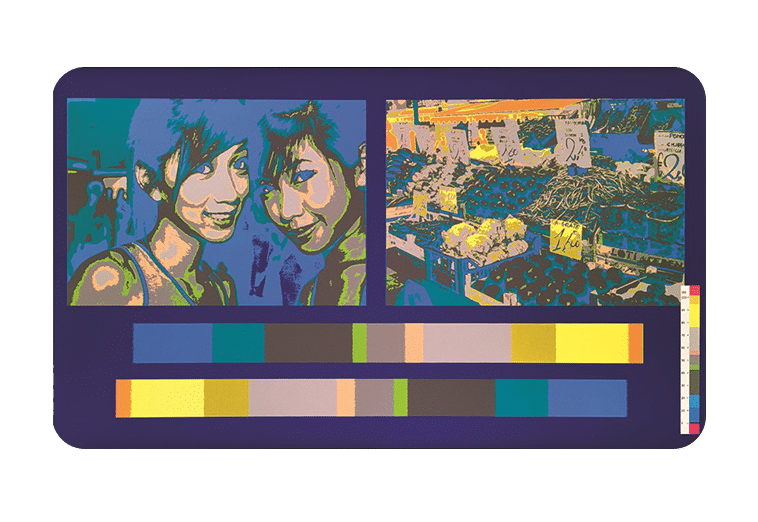
False Color
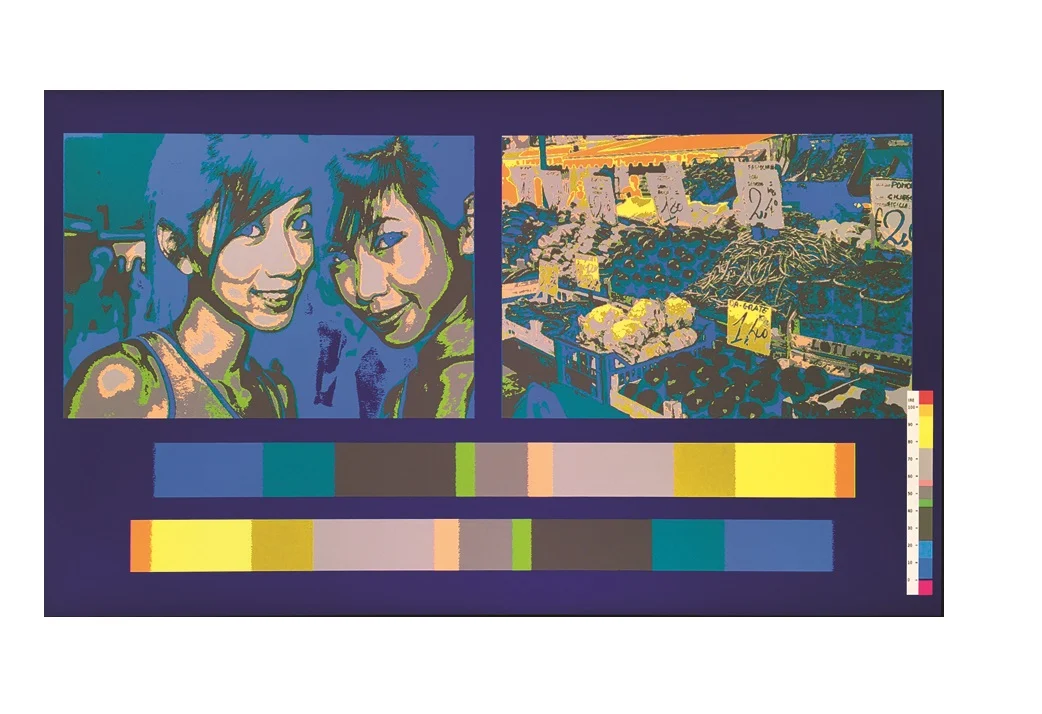
The false color function helps determine exposure levels, often mapping specific IRE (luminance) ranges to distinct colors (e.g., 70 IRE for skin tones).
Plura monitors support false color as a built-in function for checking exposure and ensuring accurate video levels, alongside other essential tools like waveforms and focus assist, in addition to advanced features like HDR and IP workflows. Which are excellent for live production, news, and general broadcast where real-time feedback is crucial.
Peaking / Focus Assist
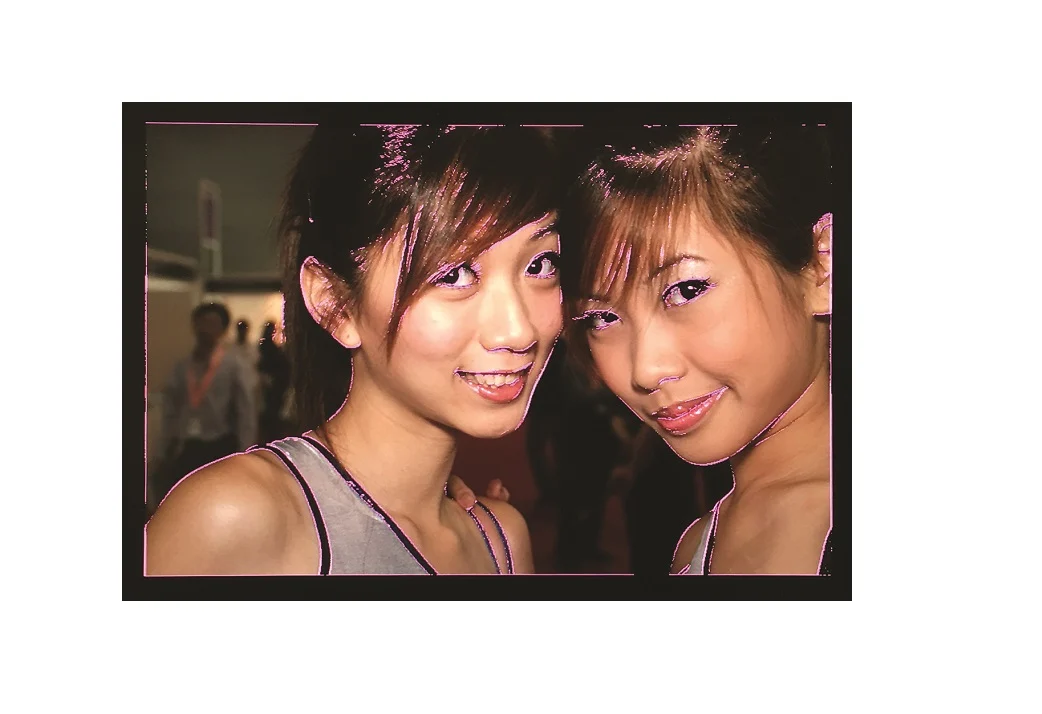
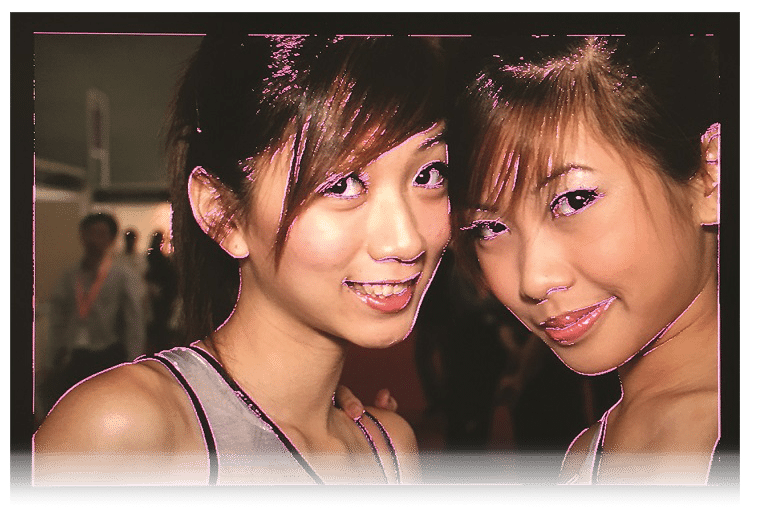
The focus assist function highlights the sharpest edges of the image with a specific color, making it easier to visually confirm focus, especially when using an external monitor.
Plura monitors support peaking filter/focus assist as a standard built-in feature. This tool is integrated into the monitor's settings to help camera operators and focus pullers achieve sharp focus during production.
Users can often adjust the sensitivity and color (e.g., red or green highlights) of the focus assist feature to suit personal preference and reduce eye fatigue.
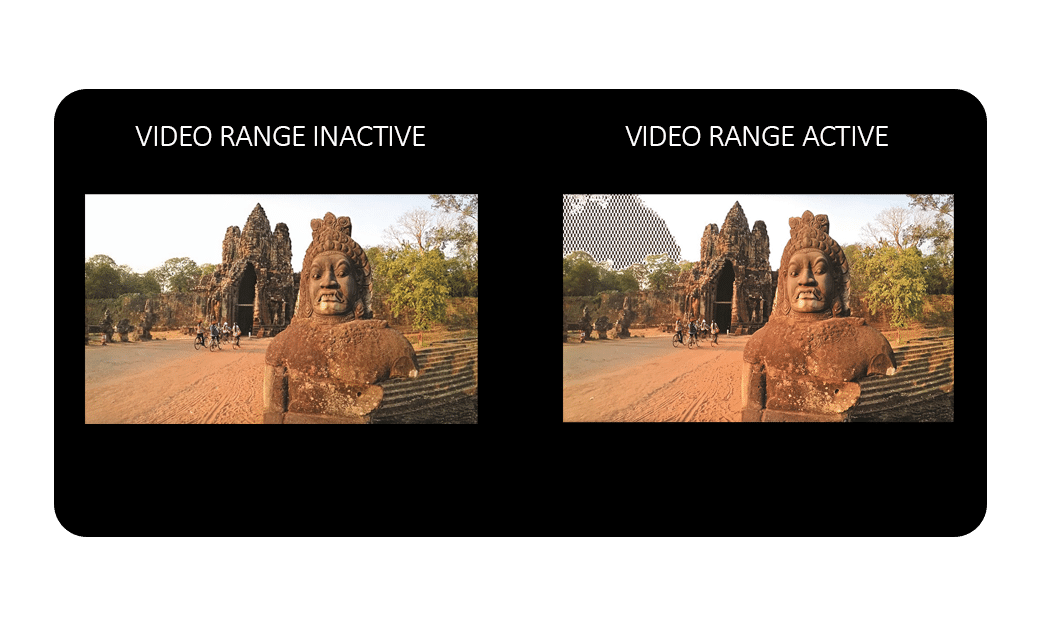
Video Range
Video Range Tools is a function to test and adjust video levels, often with adjustable Y (luminance) and C (chrominance) values.
Plura monitors offer robust Video Range support
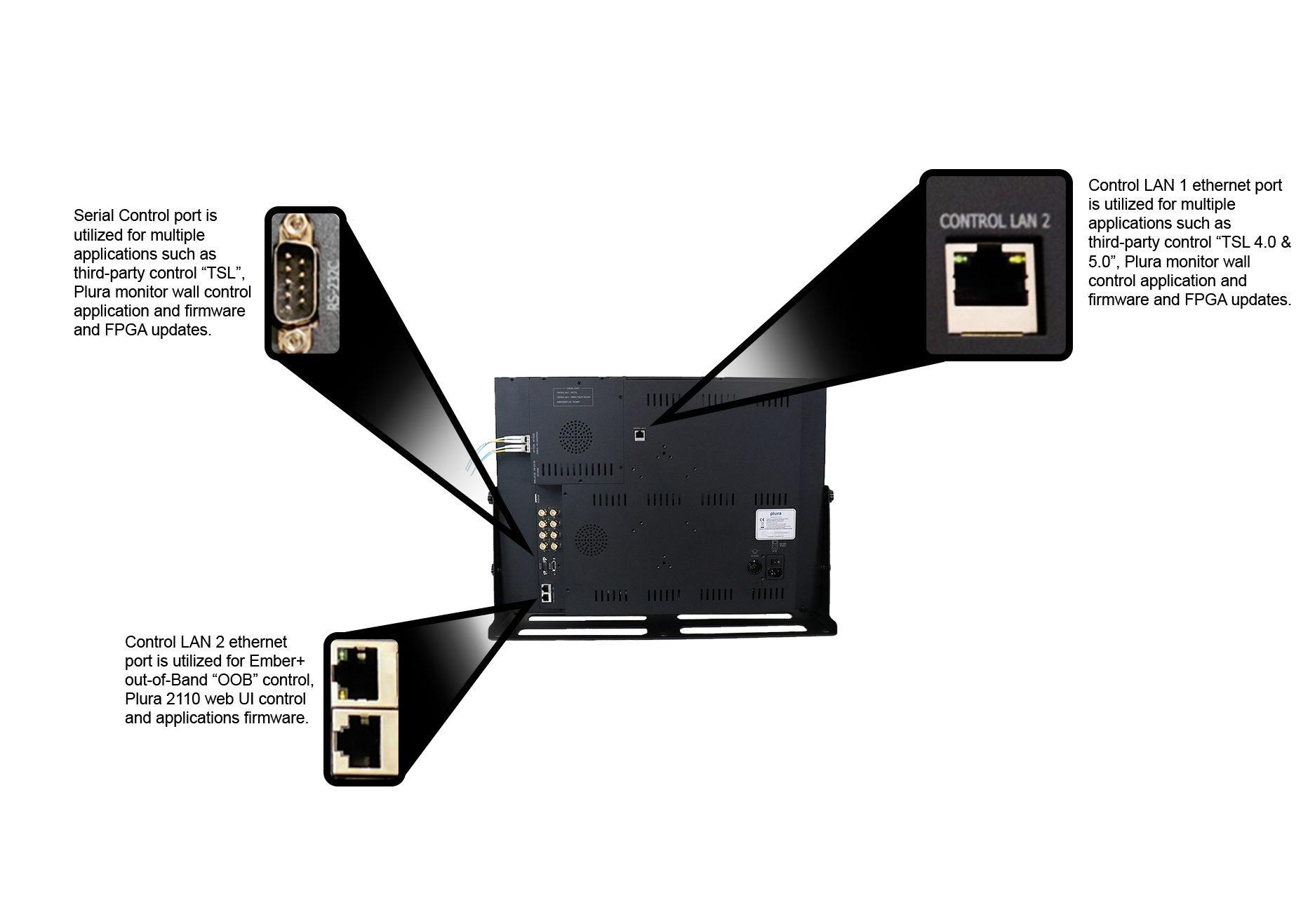
Ethernet & Serial control Image
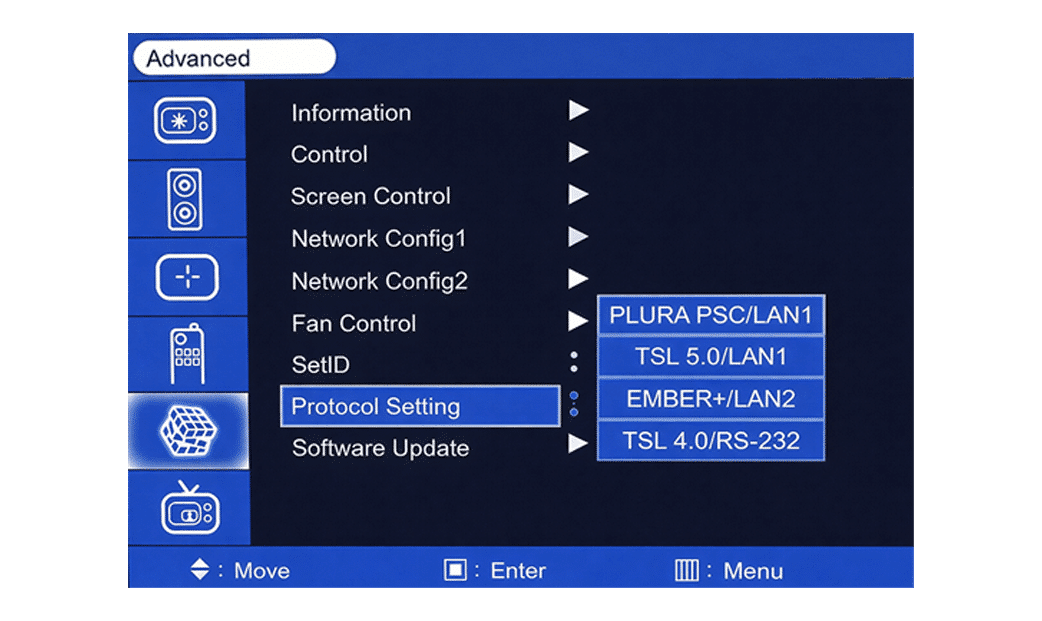
Ethernet and serial ports support multiple applications, including third-party control (TSL, Ember+), Plura’s monitor wall control system, firmware and FPGA updates.
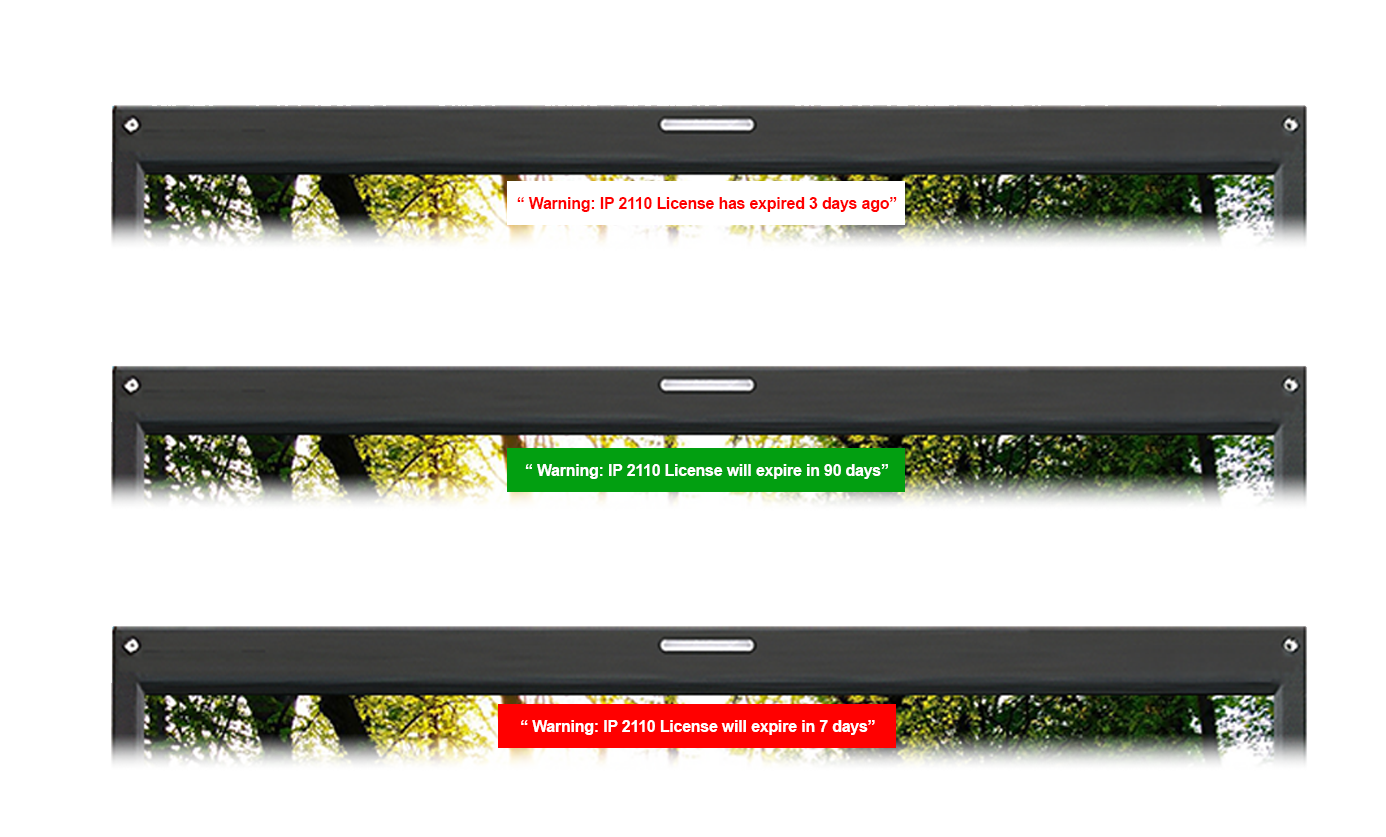
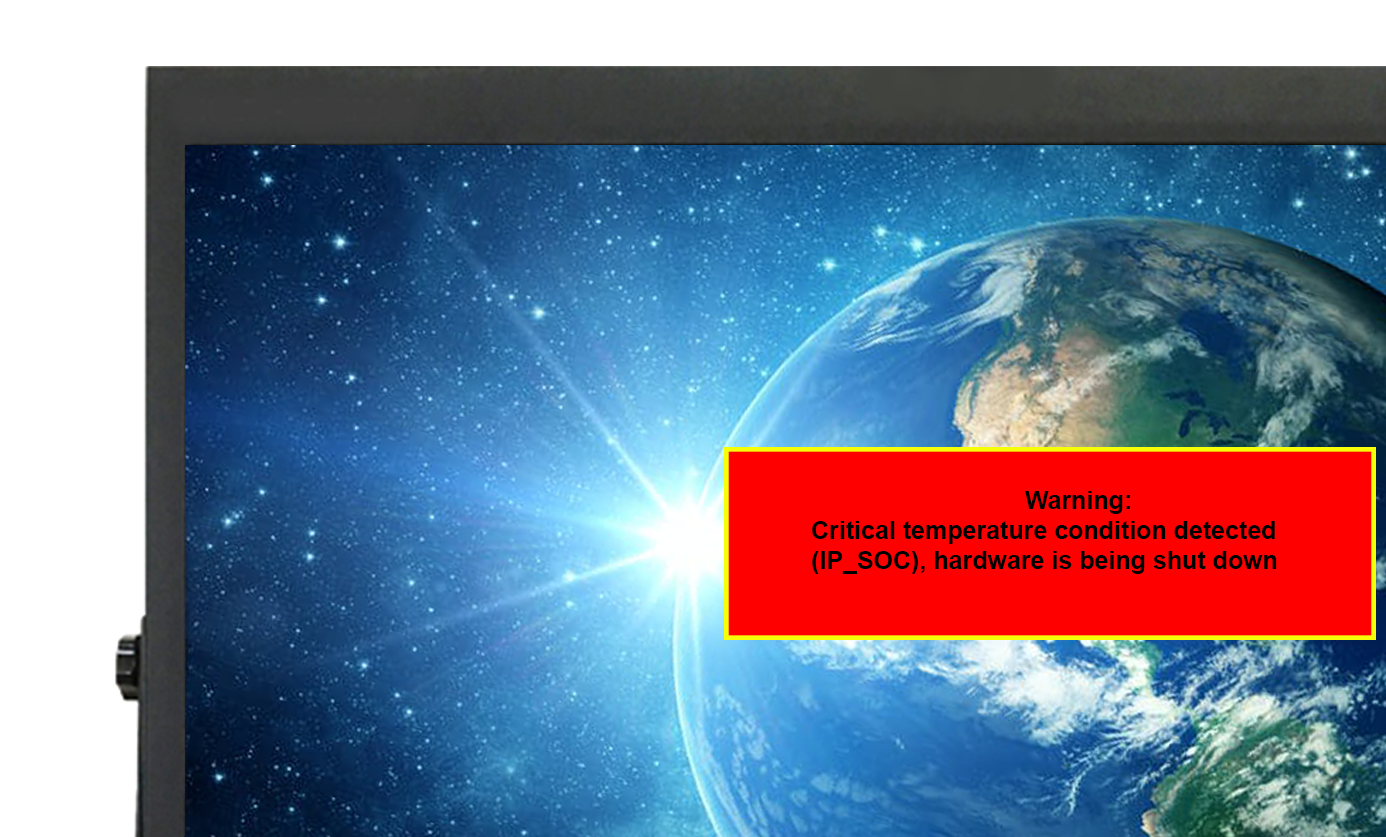
OSD informative custom messaging and alarms
Extensive and variety of customs and defined messages would be available on the display with different appearance
programming and scheduling. To identify few as below
- IP license notifications
- license will expire soon: “”Warning: IP 2110 license will expire in XX day(s)”
- license is expired: “Warning: IP 2110 license has expired! (XX day(s) ago)”
- Incorrect speed SFP module been inserted
- “Warning: Detected invalid speed SFP module inserted
- Identification
- Monitor MAC address ID: [aa.bb.cc.dd.ee.ff]”
- Over temperature alarms for IPPCB and/or SFP modules
- Over temp: “Warning: over temperature condition detected (XXX)”
- Critical temp (shutdown): “Warning: critical temperature condition detected (XXX)*, hardware is being shut down”. *XXX is IPPCB or SFP
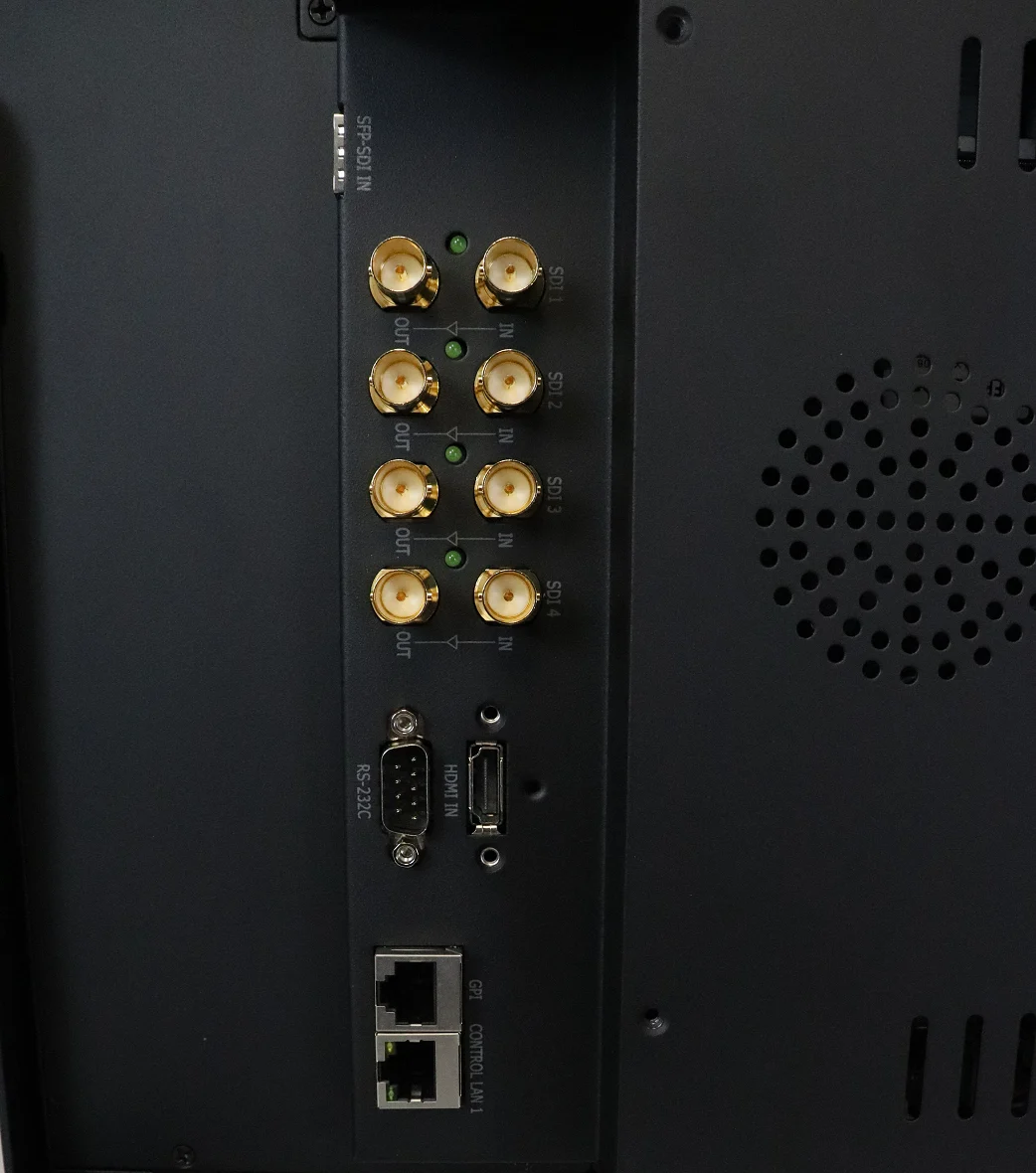
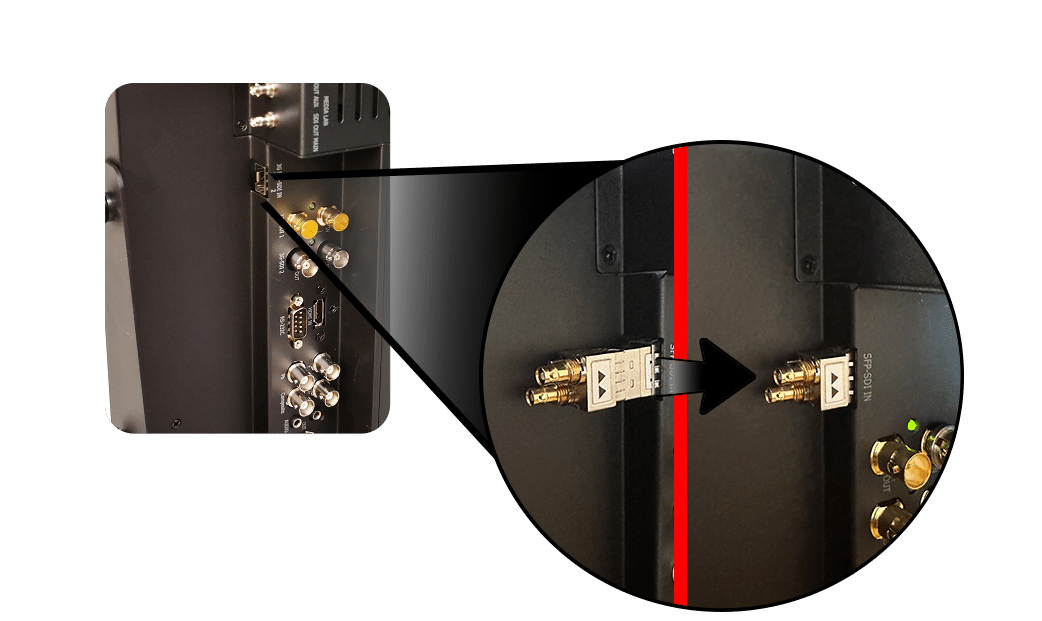
SFP-SDI Support
Supports different resolutions 12G/10G/3G/1.5G SDI
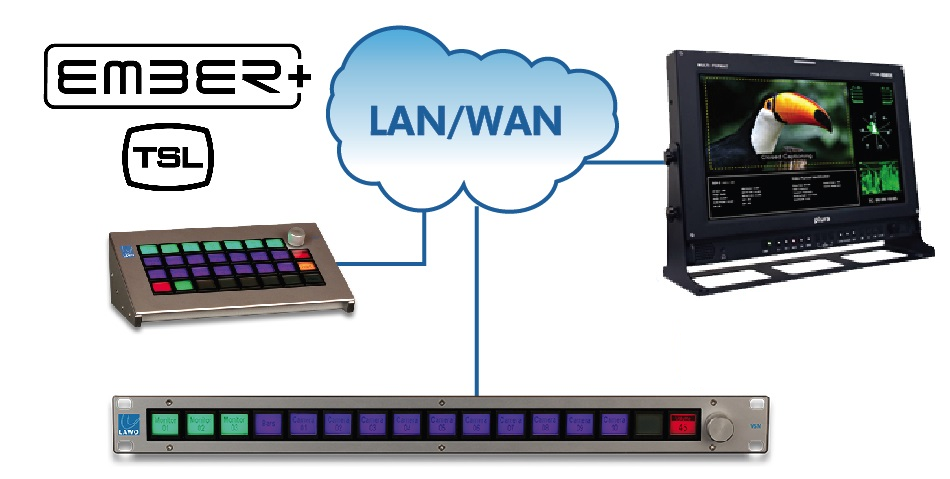
TSL 4.0 & 5.0 support image or animation
Plura monitors support TSL V4.0 and V5.0 protocols for tally controls.
Based on Plura monitor series, Plura supports multiple protocols as listed below:
- PSC: Plura system controller protocol – Please refer to Plura PSC 400/500 manual on Plura site
- TSL V4 using RS-232 / Serial control
- TSL V5 using IP / Ethernet control• Ember+ Control Protocol
WORKFLOW DIAGRAM
The workflow diagram below shows workflow for Ember+ / TSL V5 UMD with Plura monitors.
- Ember+/TSL capable monitors with Ember+ board built-in
- Using PMT-200 PoE Ember+ TSL control tool – Legacy Plura Monitors
Various Markers and Safety Area
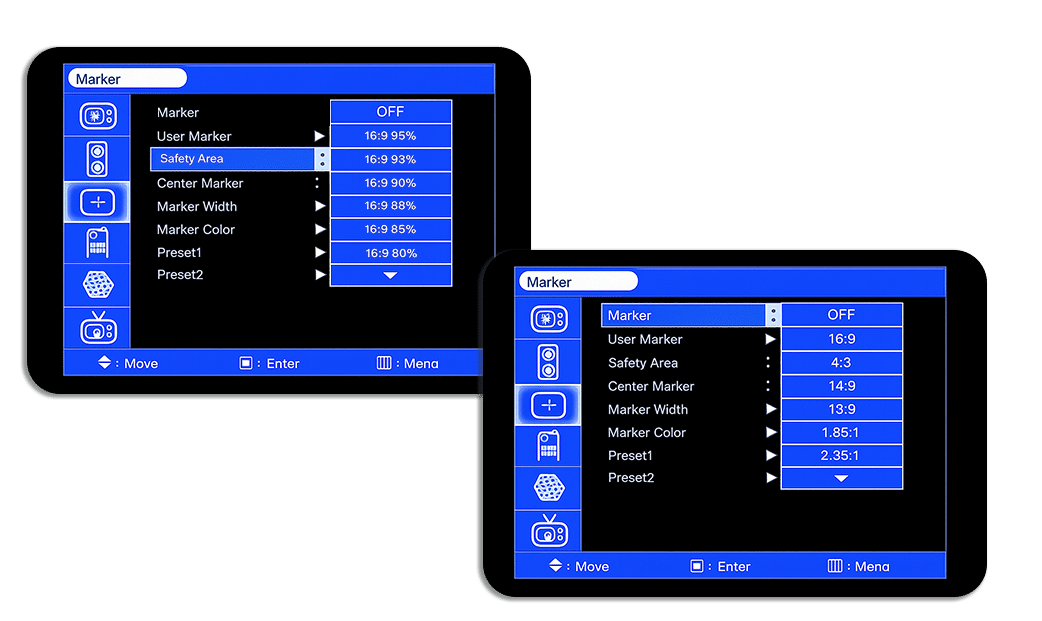
Plura monitors support Markers and safety areas on-screen guides (lines, grids, zones) which used used in video production and editing to frame shots, ensure important text/graphics stay visible across different screens (Title Safe/Action Safe), and check composition, preventing crucial elements from being cut off by overscan on TVs. These customizable overlays help creators frame correctly for various displays, with standard safe zones often being 80% (Title) and 90% (Action) of the full frame. Plura offers multiple sizes and custom zones are supported.