Compare Models
from PRM-3G Series
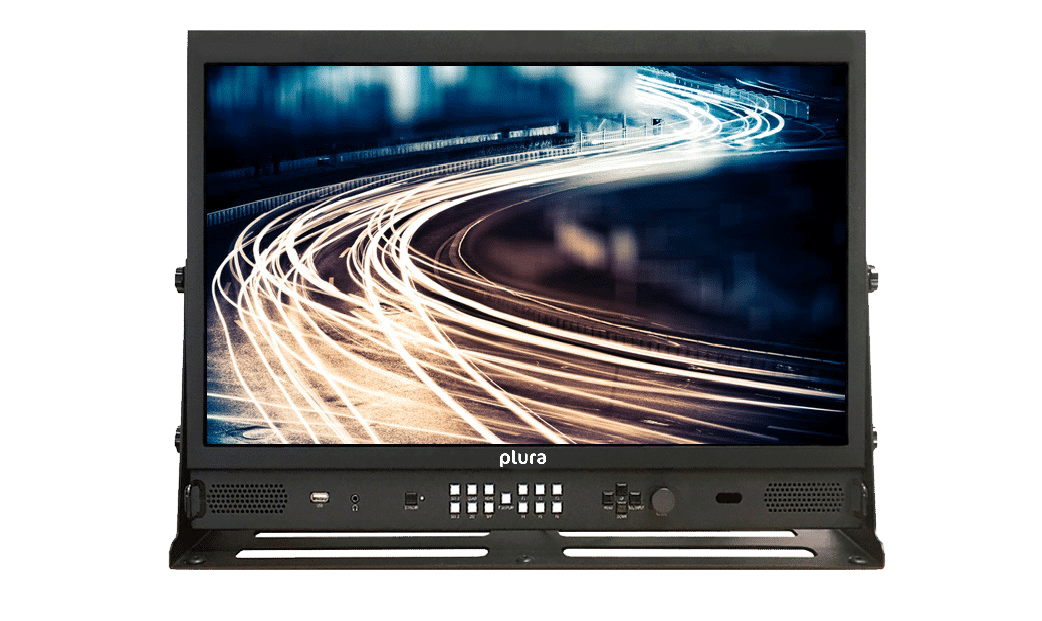
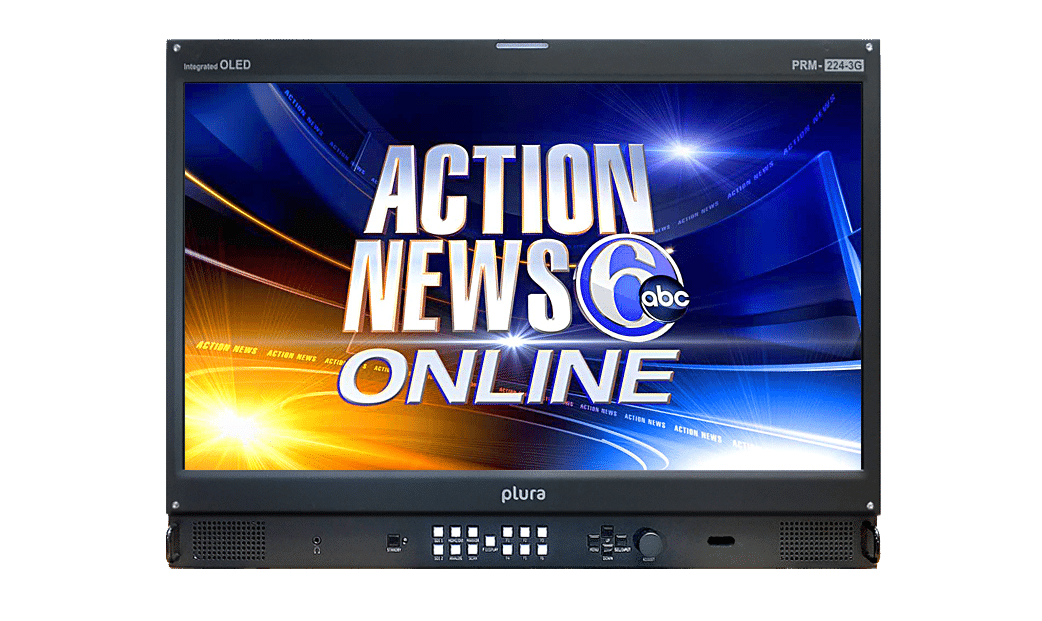
| Screen Size | 17" | 24" |
|---|---|---|
| Style | Desktop | Desktop |
| Screen Resolution | 3840x2160 | 1920x1080 |
| Backlight | LED | OLED |
| Color Depth | 10bit | 10bit |
| Advanced Features | Closed Caption 708/608, Optional IP2110 / 2022-7, Teletext 801 & OP-47, Battery Operation, HDR, Optional Ember+ | Closed Caption 708/608, Teletext 801 & OP-47, Vectorscope / Waveform, HDR, LKFS Measurement, Optional Ember+ |
| Control | Optional Ember+, Optional NMOS, Ethernet, IR, RS232, Wall Control System | Optional Ember+, Ethernet, IR, RS232, Wall Control System |
| ICAC | Yes | Yes |
| Video | Quad 3G (SQ/2SI), 12G, 3G, CCVS, DVI, HD-DL, HDMI, HDSDI, SDSDI, VGA, Y/C, YUV | 3G, CCVS, DVI, HD-DL, HDMI, HDSDI, SDSDI, VGA, Y/C, YUV |
| Audio | Analog Audio, Embedded Digital Audio | Analog Audio, Embedded Digital Audio |
| Additional Features | Closed Caption, Optional Ember+, Vectorscope, Waveform | Closed Caption, Optional Ember+, Vectorscope, Waveform |
| Ember+ Complaint | Optional | Optional |
| Housing | VESA (100x100) & (75x75), Optional 19" Rack | VESA (100x100) & (75x75), Optional 19" Rack, VESA |
| RU | 7 | 9 |
Features
Features
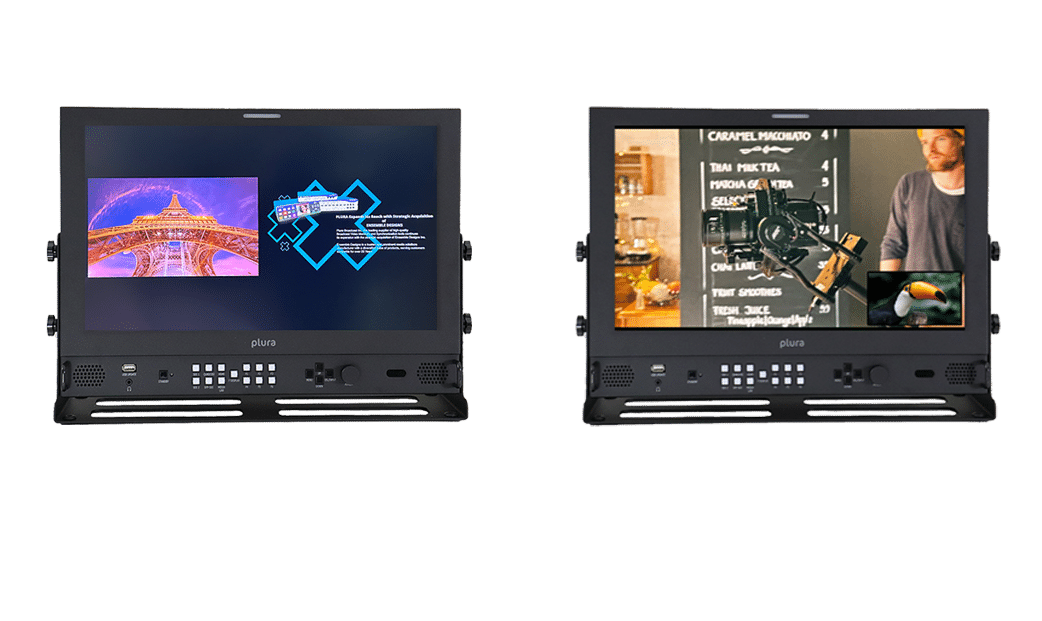
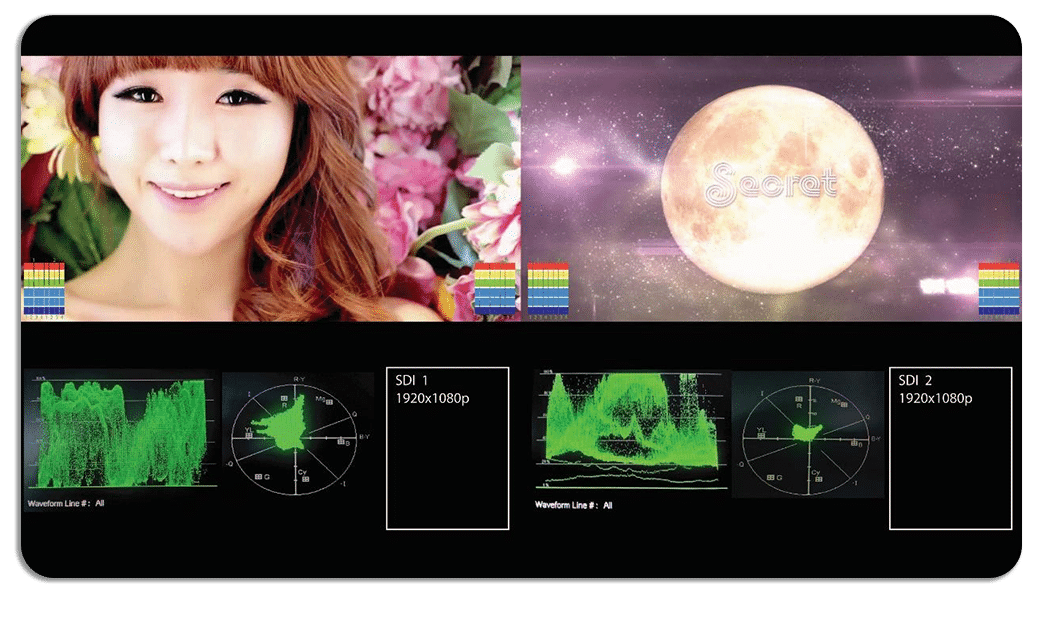
Dual display PIP & PAP
Plura’s Picture-in-Picture (PIP) and Picture-and-Picture (PAP) features enable users to monitor multiple video sources simultaneously within a single display, perfect for live production and technical environments.
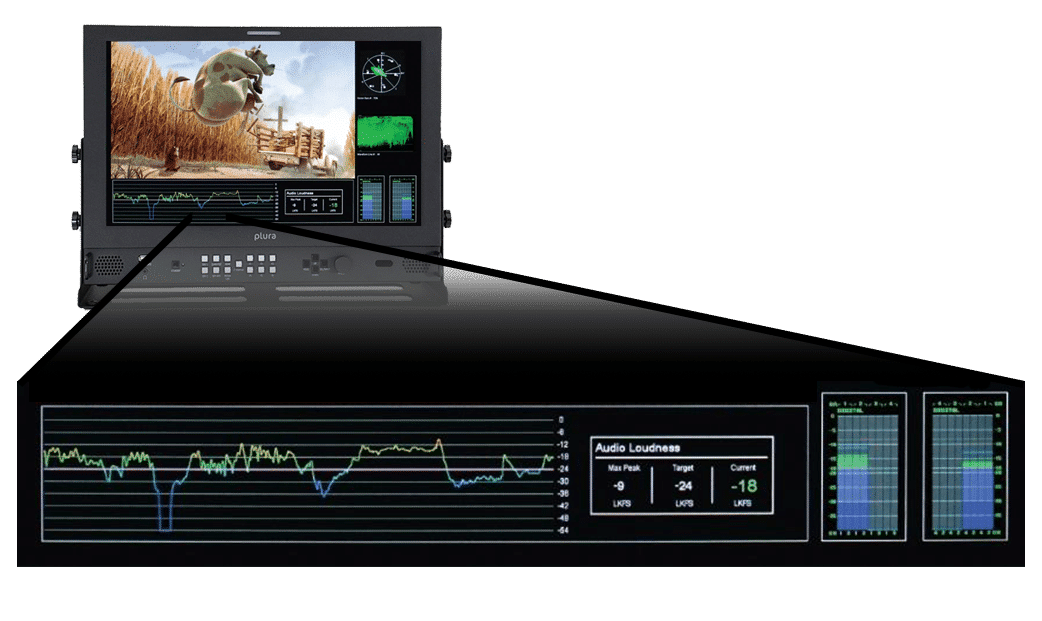
LKFS
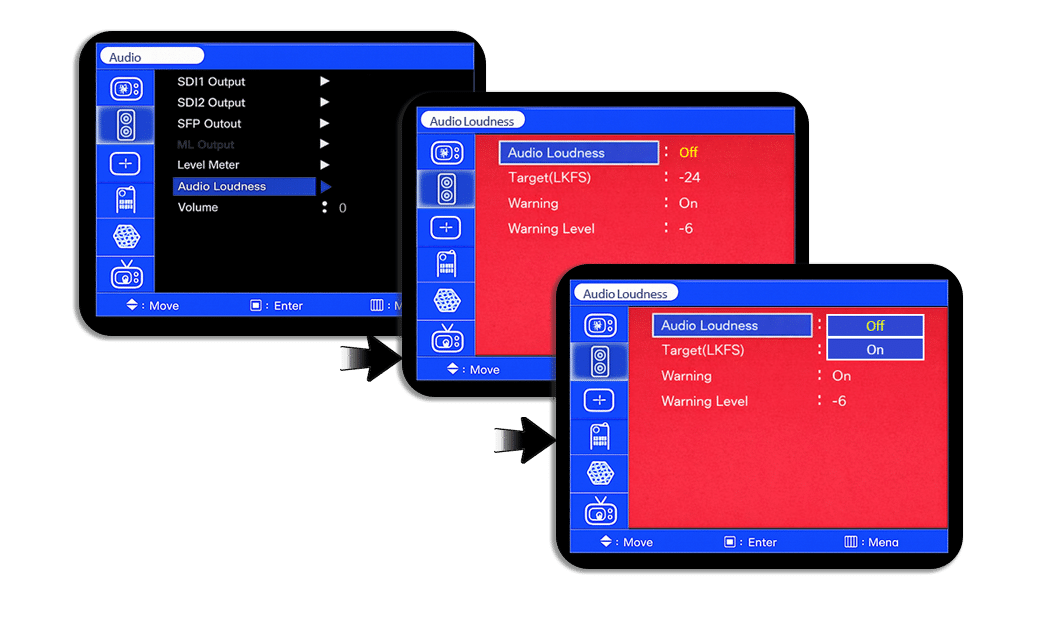
This monitor series support the popular Audio Loudness “LKFS” feature. The Audio Loudness can be accessed via Audio Menu as well as the FUNCTION key.LKFS and QC Dashboard capabilities
NEW & Advanced features take Master Control monitoring to a higher and unmatched Level. Plura selected monitors support “QC Dashboard” that include WF/VS, Audio meters, (Closed Caption Decoding) and an on screen LKFS measurement with logging!
Audio Loudness Menu can be selected from the audio menu
- Settings
- Target Level
- Warning notifications
- Warning level
LKFS Loudness Real-Time Monitoring & Logging
LKFS Loudness Real-Time display & logging on a remote PC using PSC-500
(Plura System Controller Utility). See below:
Advanced WF & Vector with Line select animation
Plura monitors supports multiple waveform and vector modes
- Luminance & Vector
- Chroma B & Vector
- Chroma R & Vector
- Luminance, Chroma R & B
- Luminance G
- Luminance R
- Luminance B
- Luminance G,B,R
- Signal State 1 with Luminance & Vector
- Signal State 2 with Luminance & Vector
- Quad view with CH1
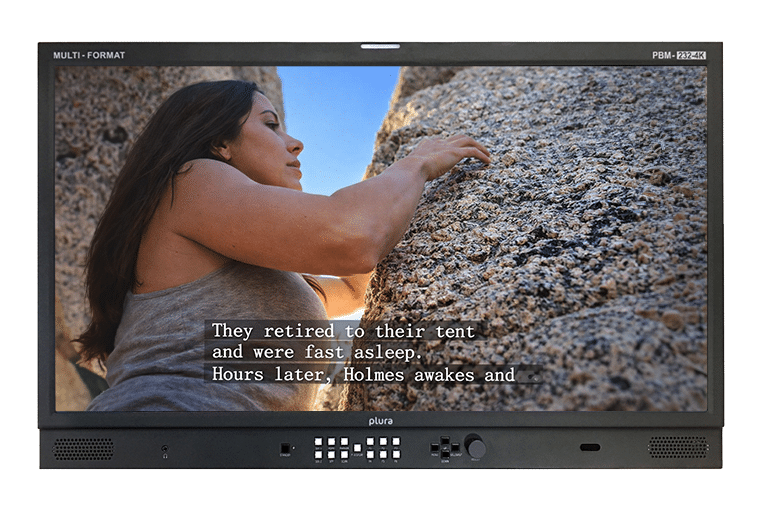
Closed Caption and OP47 display
Closed Caption (CC) and OP-47 support require professional monitoring tools, such as Plura monitors, to ensure standards for embedding, decoding, and monitoring subtitles in video signals. OP-47 is a World System Teletext (WST) standard used for HD/SD video that carries data in VANC (Vertical Ancillary) packets, requiring specialized hardware for compliance and confidence checks.
Plura monitors provide robust support for CEA-708/608 closed captioning and OP-47 teletext. By decoding these embedded VANC data streams directly, Plura monitors allow users to view captions on-screen and analyze them using built-in quality control tools, such as waveform monitors. This integration simplifies workflows and ensures caption integrity and broadcast compliance across regions, including North America, Europe, and Australia/NZ.